Field notes
How to Add or Claim Your SaaS on SaaS Browser
SaaS Browser crawls SaaS products automatically, so you usually claim rather than submit. How to find, claim and correct your profile, who uses it, and why it's an accuracy job rather than an SEO one.
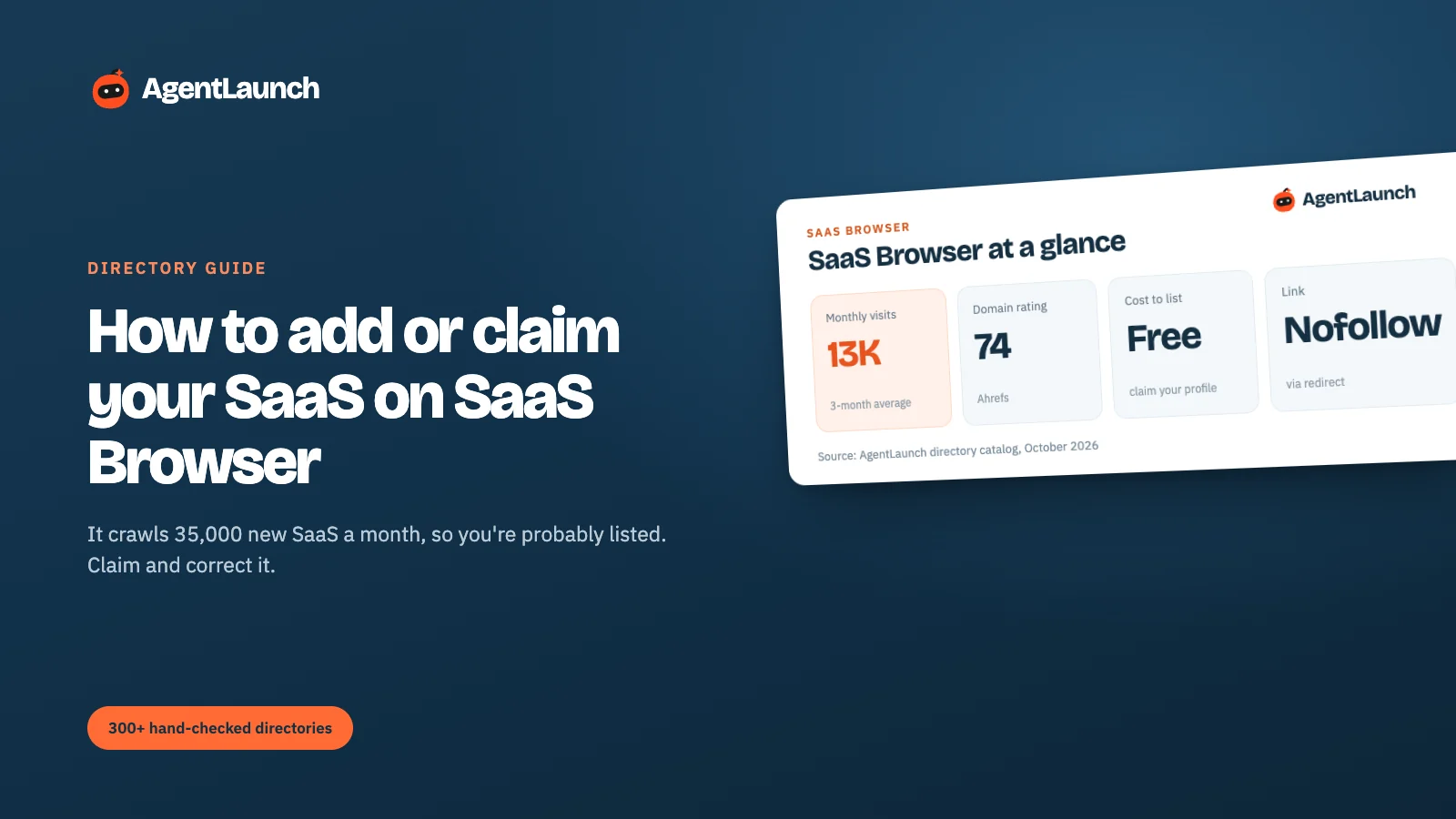
SaaS Browser probably already lists your product. It tracks 543,000+ SaaS products and discovers around 35,000 new ones a month by crawling the web, so most launched SaaS gets added automatically. What you need to do is claim and verify the profile: sign up free (email, Google, X or GitHub), find your product, and claim it. Only about 3,800 profiles are verified, and verified ones are featured under "Recently Verified Profiles" on the homepage.
Here's how to check for an existing listing, claim it, and decide whether it's worth your time. Checked in October 2026.
SaaS Browser at a glance
| SaaS Browser | |
|---|---|
| Site | saasbrowser.com |
| Cost | Free to sign up and claim. Paid plans are for its data, not for listing |
| Coverage | 543,443 SaaS products tracked across 557 categories (+35,190 in the last 30 days) |
| Verified profiles | 3,803 |
| Sign-up | Email, Google, X or GitHub |
| Domain Rating | 74 (our Ahrefs check) |
| Traffic | ~13,000 visits/month (3-month SimilarWeb average) |
| Link to your site | "Visit" goes through a nofollow internal redirect (/en/visit/…) |
| What it's really for | A SaaS database for B2B lead generation, used by sales teams and researchers |
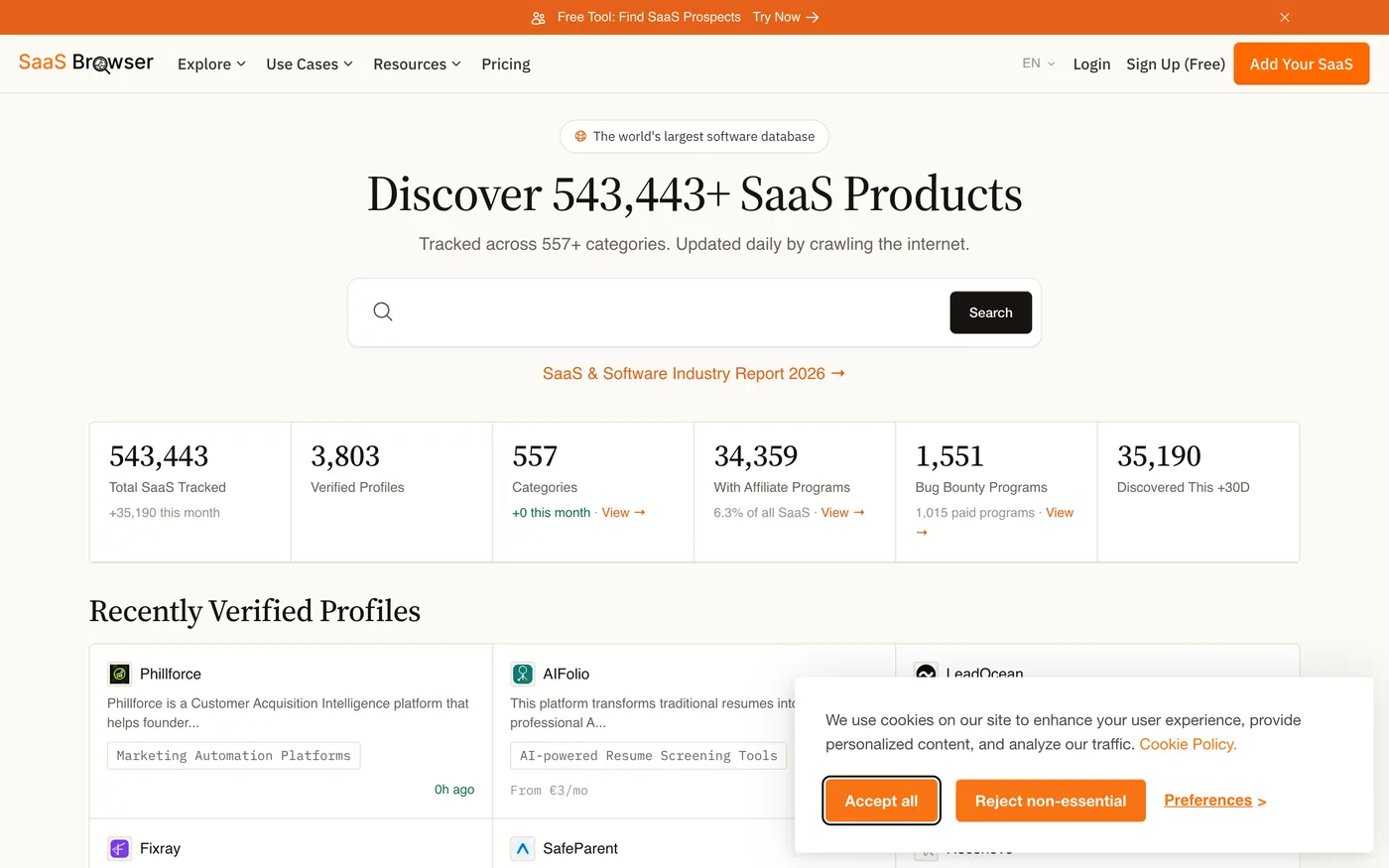
Step 1: search for your product
Search saasbrowser.com for your product name or domain. There are three possible outcomes:
- It's there, unverified. Common. The data was crawled and may be out of date (old pricing, wrong category). Claim it.
- It's there, verified by someone else. Contact SaaS Browser support from your company email.
- It's not there. Sign up and add it with Add Your SaaS, or wait for the crawler. Adding it yourself is faster and more accurate.
Step 2: sign up and claim
Add Your SaaS sends you to sign-up, with four options.
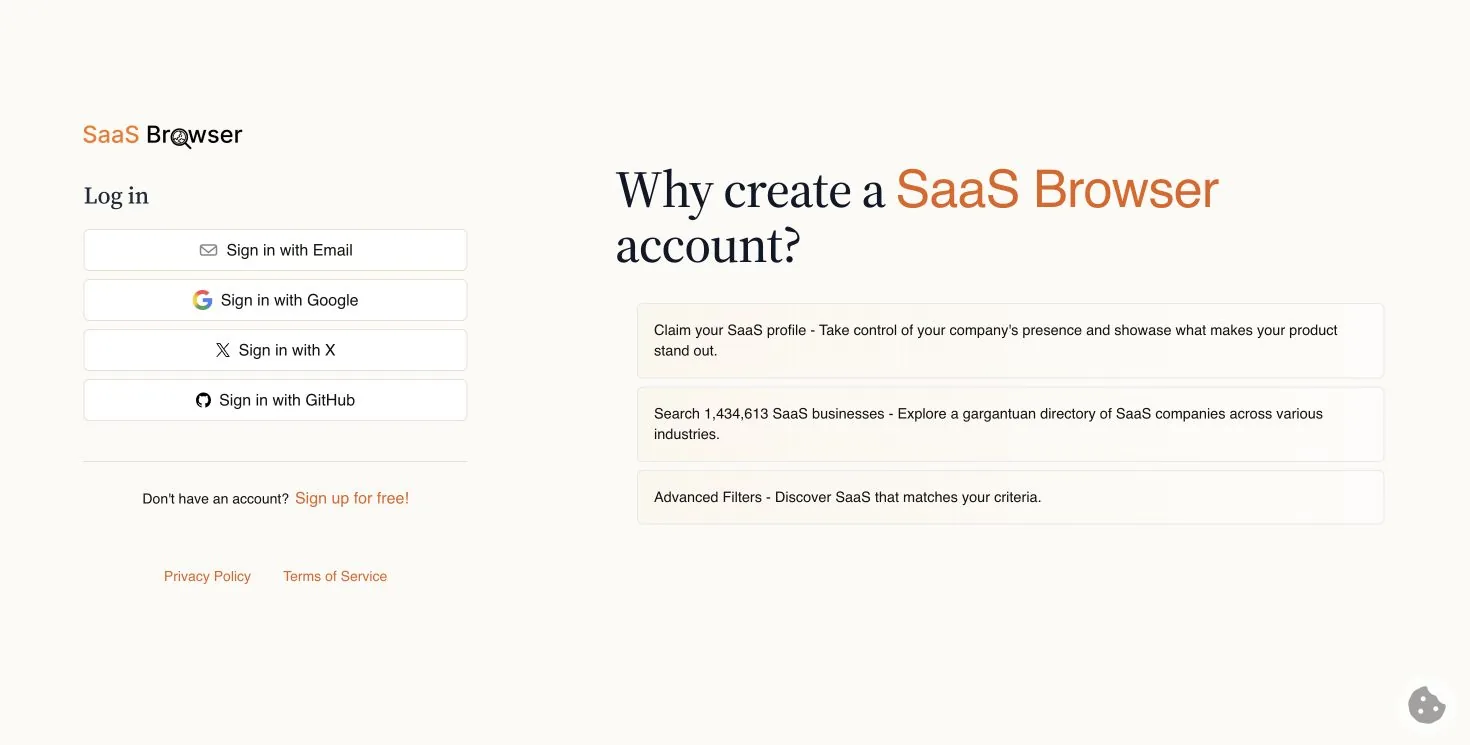
Sign up with an email on your product's domain if you can, since that makes ownership obvious. Then open your product's profile and claim it. SaaS Browser lists the benefits as: "Claim your SaaS profile: take control of your company's presence and showcase what makes your product stand out."
Step 3: correct the profile
Once you've claimed it, fix the fields the crawler guessed:
- Category. SaaS Browser has 557. A wrong category means you appear next to the wrong competitors.
- Description and pricing. Crawled pricing goes stale fast.
- Affiliate program and bug bounty. SaaS Browser tracks these specifically (34,359 SaaS with affiliate programs, 1,551 with bug bounties). If you have either, add it. Partners and researchers filter on them.
Is it worth it?
It's quick and worth doing for accuracy, but it's not a launch. SaaS Browser's traffic is small (~13K visits a month), and its audience is people researching SaaS companies, mostly sales teams prospecting. Being accurately represented in a database that feeds other tools and research is the main benefit. Ten minutes, once.
Does SaaS Browser link to your site?
Not directly. On the profile pages we opened on 5 October 2026, the Visit button pointed to an internal redirect (saasbrowser.com/en/visit/…) with rel="nofollow noopener". There's no plain link to the product's domain on the page. Given the small traffic too, SaaS Browser is an accuracy job, not an SEO one.
Who uses SaaS Browser, and why that matters
SaaS Browser positions itself as a "SaaS database and software search engine for B2B lead generation". Its users are more often sales teams, investors and researchers building lists of SaaS companies than buyers looking for a tool. That changes what to optimise:
- Accurate category and description matter more than persuasive copy, because people filter and export.
- Pricing and company details feed lists and research, so keep them current.
- Expect outreach. Being well represented in a lead-generation database can bring partnership and sales emails as well as visibility.
How it differs from buyer-facing directories
| SaaS Browser | SaaSworthy / SoftwareSuggest | |
|---|---|---|
| How products get in | Mostly crawled automatically | Vendor submissions |
| Main audience | Researchers and sales teams | Software buyers comparing options |
| What to do | Claim and correct | Submit, complete the profile, collect reviews |
| Time needed | ~10 minutes once | 20–40 minutes plus reviews |
If you're short on time, prioritise the buyer-facing directories (SaaSworthy, SoftwareSuggest) and claim SaaS Browser when you do your quarterly listing check.
Pros and cons
Pros
- Free to sign up and claim.
- Fixes crawled data that sales teams and researchers export.
- Tracks affiliate programmes and bug bounties, which partners filter on.
- Ten minutes, once.
Cons
- Small audience (~13K visits a month).
- No direct link to your site.
- Expect sales and partnership outreach from people using the database.
Common mistakes on SaaS Browser
- Submitting a new profile instead of claiming the crawled one.
- Leaving the crawled category in place. With 557 categories, a wrong one puts you next to the wrong competitors.
- Not adding your affiliate programme if you have one.
- Letting pricing go stale. Lists built from it go stale too.
How SaaS Browser compares with the big review sites
| Site | DR | Visits/month | Free profile | Link to your site (our check, 5 Oct 2026) | Paid options |
|---|---|---|---|---|---|
| G2 | 91 | ~2.25M | Yes | No clickable link on the profile we checked | Profile upgrades, buyer intent |
| TrustRadius | 85 | ~290K | Yes | CTA buttons only on paid profiles (followed on the ones we saw) | Premium profile |
| SoftwareSuggest | 77 | ~358K | Yes | "Visit Website" buttons are sponsored nofollow ad links |
Gold, Platinum, pay per lead |
| SaaSworthy | 75 | ~220K | Yes | No link on the pages we could check | Placements, lead targeting |
| SaaS Browser | 74 | ~13K | Claim | "Visit" goes through a nofollow redirect |
Data plans |
| SourceForge | 93 | ~22.5M | Yes | No direct link on the business listing we checked | Promotion |
| Crunchbase | 91 | ~3.2M | Yes | nofollow |
Pro data subscription |
Related
- SaaSworthy and SoftwareSuggest, buyer-facing SaaS directories
- SaaS listing websites and SaaSHub
- Keeping product details consistent across directories, which matters most on crawled databases like this one
- AgentLaunch's catalog notes which directories auto-list products, so you can claim instead of re-submitting
FAQ
Is SaaS Browser free? Signing up and claiming your profile is free.
How do I add my SaaS to SaaS Browser? Sign up, search for your product, and claim it. If it isn't listed, use Add Your SaaS.
Why is my product already on SaaS Browser? It crawls the web daily and adds SaaS products automatically, around 35,000 a month.
Does SaaS Browser give a backlink?
No. The Visit button goes through a nofollow internal redirect.