Field notes
How to get your SaaS listed on SaaSHub (free)
SaaSHub lists software for free after a review. How to submit, how to pick alternatives so the right people find you, and what the paid feature adds.
SaaSHub is a software directory built around alternatives. People land on it from searches like "Notion alternatives" or "Calendly vs", then click through to the tools listed there.
Getting listed is free. You submit your product, it goes into an approval queue, and once approved it appears on its own page and on the alternatives pages of the tools you compete with. SaaSHub also sells a paid "Feature My Product" upgrade, but you don't need it to get listed.
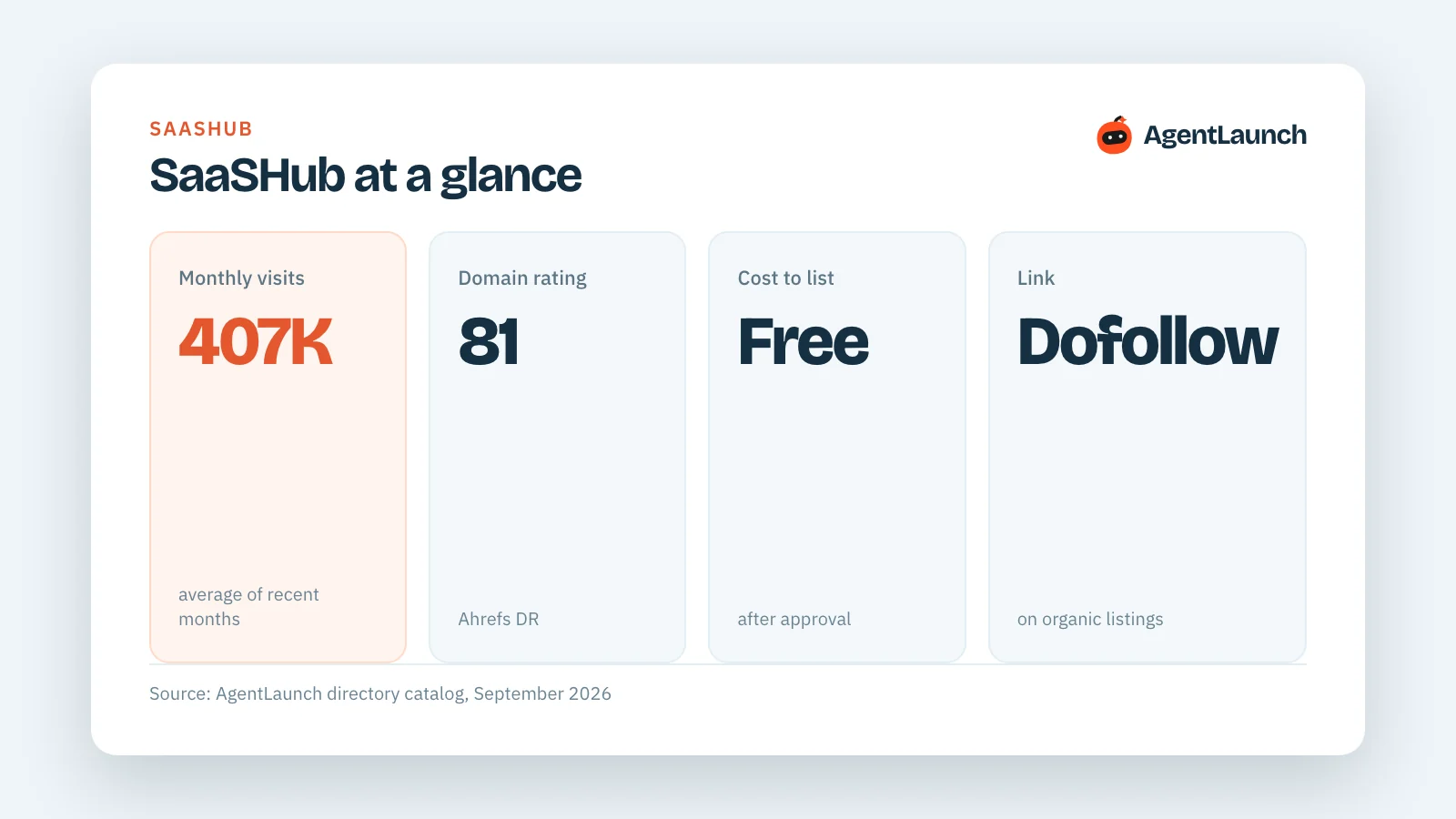
SaaSHub at a glance
| Website | saashub.com |
| Monthly visits | About 407,000 |
| Domain rating (DR) | 81 |
| Cost to list | Free, after approval |
| Paid option | "Feature My Product" |
| Link to your site | Dofollow on organic listings; paid placements are marked sponsored |
| Submit page | saashub.com/submit |
Why SaaSHub is worth the 15 minutes
- It ranks for "alternatives" searches. Those are people comparing tools, which is close to buying.
- The link is dofollow on organic listings, from a DR 81 site.
- It's free. Few directories with this much traffic list you without asking for money or a badge on your site.
How to get listed on SaaSHub, step by step
- Write your listing copy first. You need a name, a short tagline, a description of what it does and who it's for, your pricing model, a logo and a screenshot. Write the tagline in plain category words ("Invoicing software for freelancers"), because that's how SaaSHub groups products.
- Go to saashub.com/submit and sign in.
- Enter your product. Add your website, name, tagline, description, categories and pricing.
- Pick your alternatives carefully. This is the most important field. SaaSHub uses them to place your product on the alternatives pages of those tools. Choose tools your buyers already search for, not the biggest names in your space. A small invoicing app does better next to FreshBooks and Wave than next to QuickBooks Enterprise.
- Submit and wait for approval. SaaSHub reviews submissions in a queue, and timing varies. Submit well before you need the listing.
- After approval, open your listing, check the link to your site, and fill in anything the form didn't ask for, like screenshots and social links.
Is "Feature My Product" worth paying for?
Featured placement puts you higher on SaaSHub's pages. It's worth testing if your product already converts visitors from comparison pages, since that's the traffic you would be paying for. For a brand-new product, get the free listing live first and see what it sends you.
Other software directories like SaaSHub
SaaSHub is one of 32 software review and B2B marketplace sites in the AgentLaunch catalog. The biggest ones:
| Directory | Type | DR | Monthly visits | Cost to list |
|---|---|---|---|---|
| SourceForge | Software review | 93 | 22.5M | Free |
| G2 | Software review | 91 | 2.2M | Free |
| AlternativeTo | Software review | 80 | 2.1M | Free |
| Alternative.me | Software review | 75 | 713K | Free |
| European Alternatives | Alternatives directory | 73 | 371K | Free |
| Software Suggest | Software review | 77 | 358K | Free; paid upgrades |
| TrustRadius | Software review | 85 | 290K | Free |
| CrozDesk | Software review | 74 | 255K | Free |
| Open Alternative | Alternatives directory | 60 | 250K | Paid from $97 |
| SaaSworthy | Software review | 75 | 220K | Free; paid upgrades |
We compare these in more detail in SaaSHub alternatives.
Listing on SaaSHub with AgentLaunch
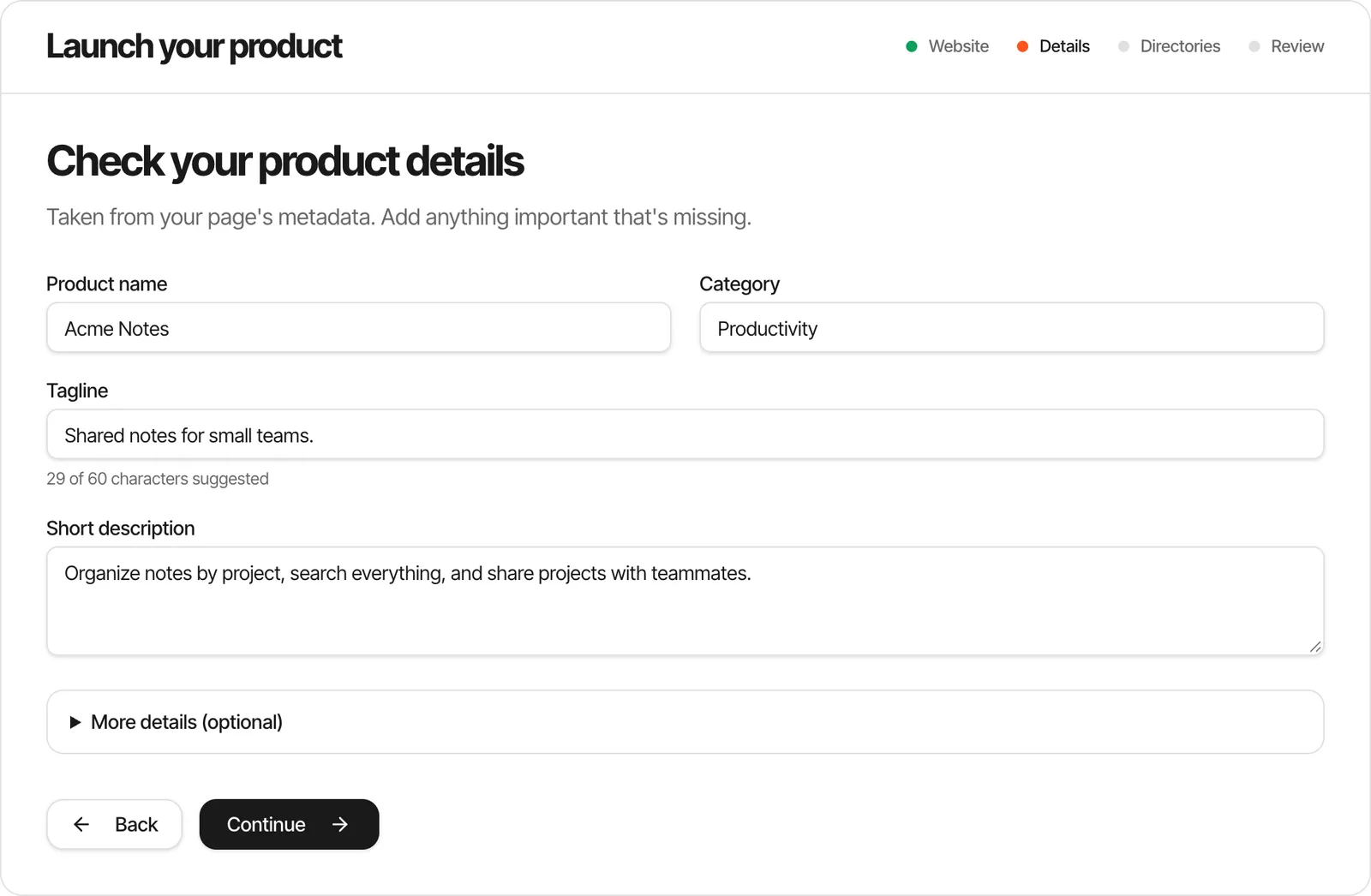
AgentLaunch drafts your SaaSHub copy from one product brief and fills the form in your own browser with its Chrome extension, alongside the other directories you choose. It keeps the account yours, stops for anything that needs you, and records the listing URL and link type once SaaSHub approves it.
Frequently asked questions
Is SaaSHub free?
Yes. Listing your product is free after SaaSHub approves it. "Feature My Product" is an optional paid upgrade.
How long does SaaSHub approval take?
Submissions go into a review queue, and timing varies. Submit early rather than on launch day.
Does SaaSHub give a dofollow backlink?
In our check, organic listings linked to the product's website with a dofollow link. Paid placements are marked as sponsored.
Can I add my product as an alternative to a big competitor?
Yes, and you should. List the tools your buyers already compare, so your product shows up on those alternatives pages.
Related guides
- SaaSHub alternatives: software directories ranked by traffic
- How to add your software to AlternativeTo
- SaaS listing websites: where to list a SaaS product
- Dofollow directories for startups
See every directory with traffic and pricing in the AgentLaunch catalog, or launch your product for $39.