Field notes
How to Update Product Details Across Directories
How to keep product details consistent across directories: one master profile, which listings to update first, what to do when a directory won't let you edit, domain and pricing changes, and why directories' own rules drift too.
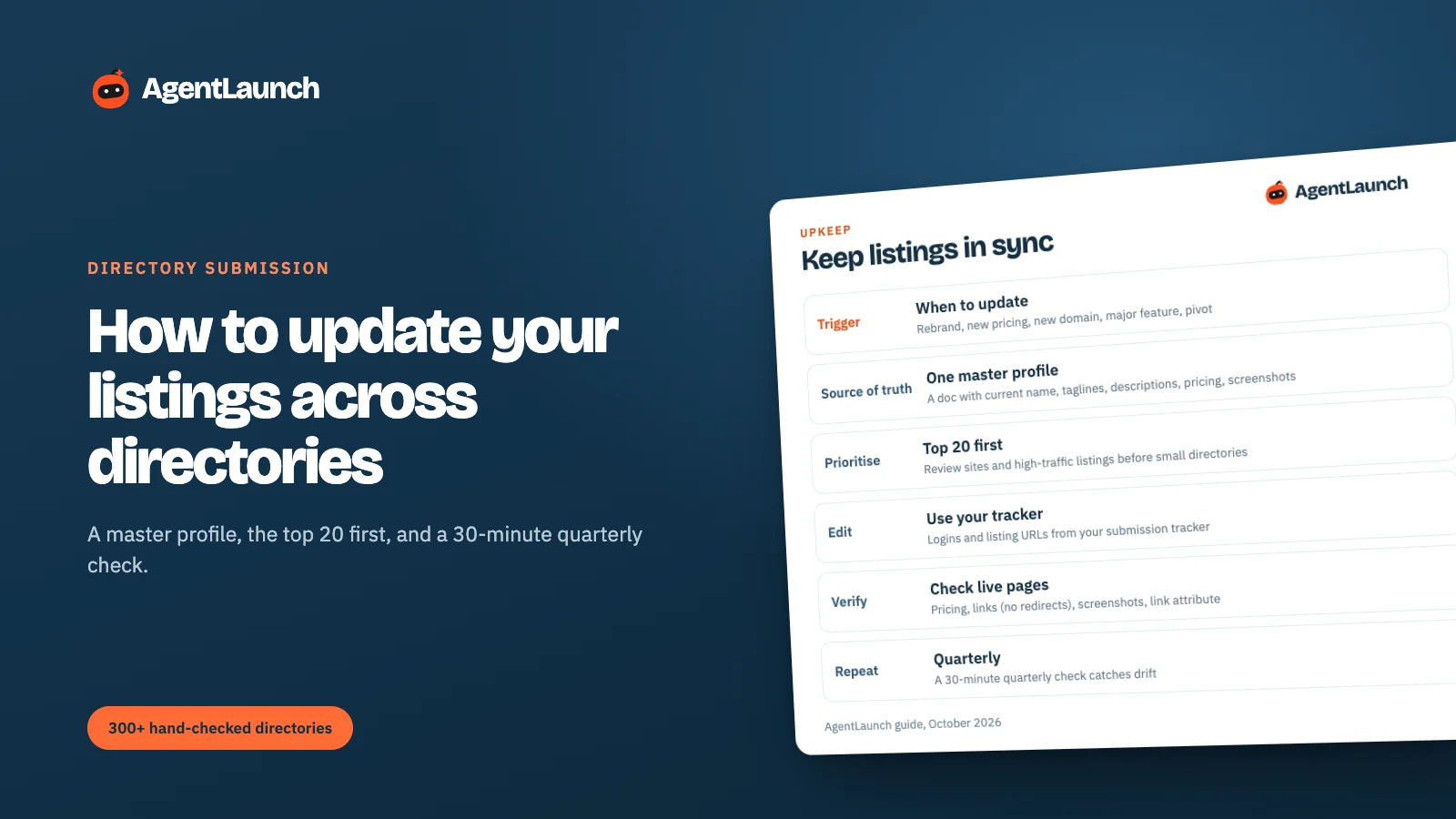
To update product details across directories, keep one master profile (current name, taglines, descriptions, pricing, screenshots and URLs), work from your submission tracker (which has every live listing URL and login), and update the top 20 listings first: review sites and high-traffic directories. Do it whenever you rebrand, change pricing, move domain, ship a major feature or pivot, and do a 30-minute quarterly check for drift. Many directories, especially crawled databases, keep showing stale data until you claim and edit.
Below: the routine, what to check on each listing, and how to handle directories that won't let you edit.
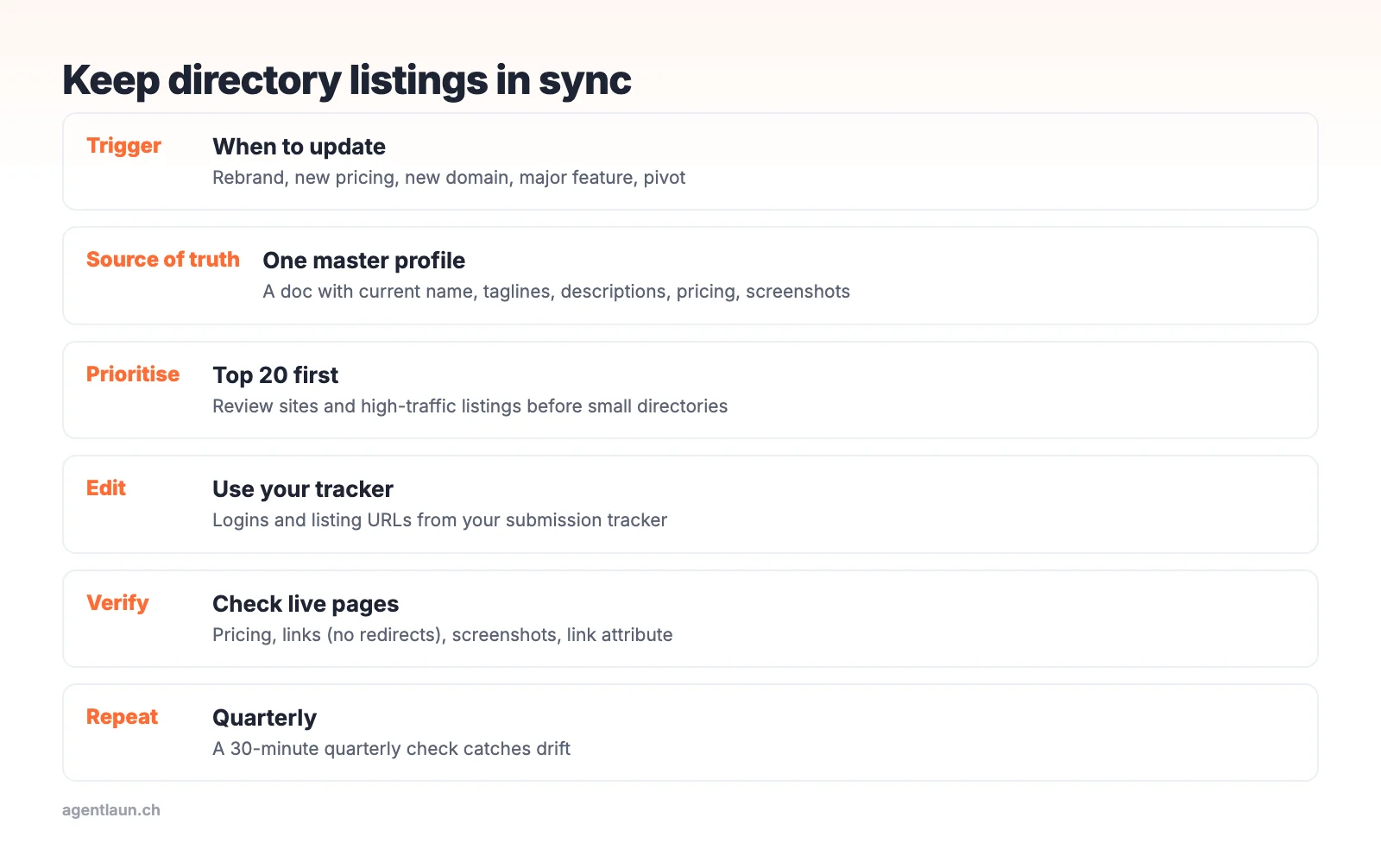
When to update
| Trigger | Urgency |
|---|---|
| Pricing change | High: wrong prices cost trust and support time |
| Domain change or new URL structure | High: broken links lose referrals and link value |
| Rebrand or name change | High |
| Major feature or new platform | Medium |
| New screenshots or demo | Low (quarterly batch) |
Step 1: one master profile
A single doc with the current:
- Product name, tagline (≤ 60), descriptions (160 / 500 / 1,000+)
- Pricing summary and plan names
- Logo files, screenshots, demo URL
- Website, pricing, docs and signup URLs
Version it ("v3, Oct 2026"), and note which version each listing uses in your tracker.
Step 2: prioritise
Update in this order:
- Review sites (G2, Capterra, TrustRadius): buyers compare pricing there
- High-traffic directories and alternatives sites
- Launch platform pages that still rank for your name
- Everything else, in your quarterly batch
Step 3: edit and verify
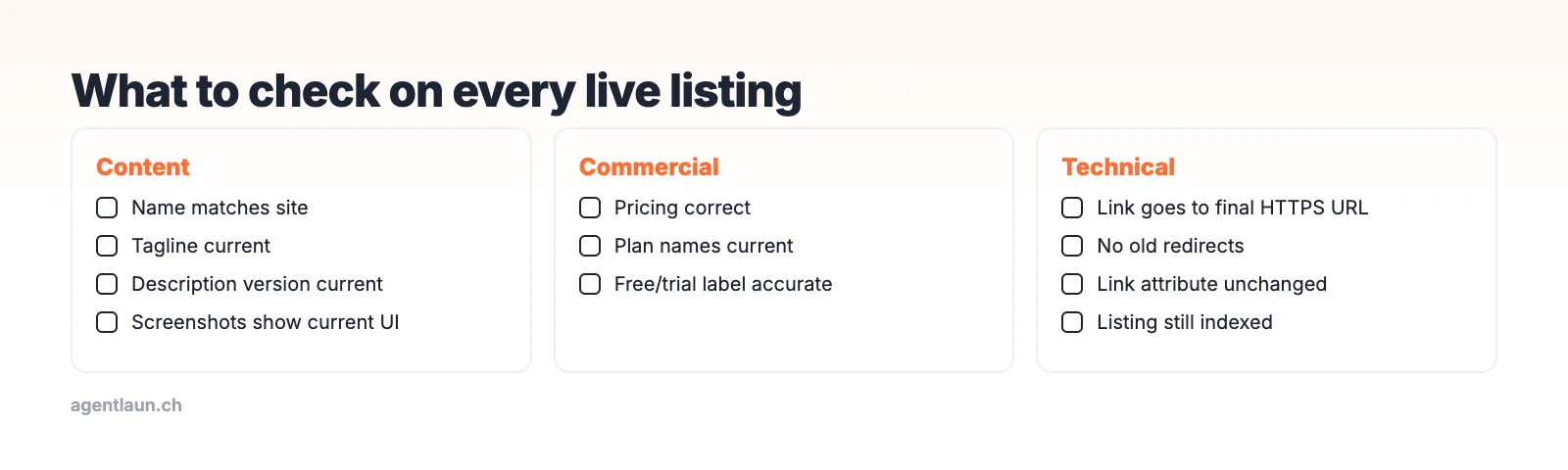
On each listing, check:
- Name, tagline, description match the current version
- Pricing is correct
- Links go straight to the right page over HTTPS, not through old redirects
- Screenshots show the current UI
- Link attribute hasn't changed (directories sometimes switch to nofollow)
Directories that won't let you edit
- Crawled databases (like SaaS Browser): claim the profile first, then edit
- Launch platforms: some lock the launch post. Update your maker profile and product page if separate.
- Sites with no edit function: email support with the listing URL and the exact changes. Keep it short.
- Dead or abandoned directories: if the listing shows outdated info and the site is unmaintained, consider asking for removal.
Directories change too
It isn't only your details that drift. Directories change their own rules and prices, which changes what your listing gets. In a single month of checks (September to October 2026) we saw:
- Launch Llama's pricing page list Featured at $49/week or $99/month plus a $149/month Featured Pro tier, where our catalog had recorded "$23/week". Its dofollow link also only appeared at about 20 upvotes.
- StartupBase listings mostly
nofollowon the free route, although our earlier catalog check had recorded a followed link. - TinyLaunch keep links followed during the launch week and
nofollowon older free launches outside the top 3. - SaaSworthy start blocking automated checks, so we could no longer confirm a link on its pages.
When you do your quarterly check, look at the directory's terms as well as your own text: is the link still followed, has the free route changed, is the listing still indexed?
The quarterly check (30 minutes)
- Open the top 20 live listings from your tracker
- Fix anything out of date
- Mark listings that disappeared, and resubmit if they were valuable
- Note any link-attribute changes
The per-listing check
Domain changes need extra care
If you've moved to a new domain:
- Keep 301 redirects from the old domain in place for at least a year, so old listings still work while you update them.
- Update the highest-value listings first: review sites, the strongest followed links, and the listings that send the most referrals.
- Check that updated links point to the final URL, not through the redirect, because redirected links can pass less value.
- Watch your DR and referring domains for a few weeks for lost links you missed.
How long it takes
With a master profile and a tracker that has logins, updating a listing usually takes 2–5 minutes. Twenty priority listings is about an hour. The slow part is the listings that need a support email, so start those first and work on the rest while you wait.
Pricing changes: the most urgent update
Wrong prices cost the most. Buyers who see an old, lower price on a review site and then a higher one on your site feel misled, and support has to explain it. When pricing changes:
- Update your own pricing page first.
- Update review sites the same day (G2, Capterra, TrustRadius, SoftwareSuggest, SaaSworthy). Buyers compare prices there.
- Update launch platforms and directories that show prices within a week.
- Search for "[your product] pricing" and check the third-party pages that rank. Some copy prices from directories, so fixing the source fixes them over time.
Related
- SaaS directory submission checklist
- How to relaunch a SaaS product: a relaunch means updating every listing
- AgentLaunch keeps the list of your live listings and logins, and your AI agent in Claude Code, Codex or Cursor can re-run the updates when your details change
FAQ
How do I update my product on directories? Edit from a single master profile, starting with review sites and high-traffic listings, using the logins and URLs in your submission tracker.
How often should I update directory listings? Immediately after pricing, domain or name changes, and in a quarterly 30-minute check otherwise.
What if a directory doesn't let me edit my listing? Claim the profile if it's crawled, or email support with the listing URL and the exact changes.
How often should I update my directory listings? Immediately for pricing, name or domain changes; otherwise a 30-minute check each quarter on your top 10–15 listings.
Do directories change their link rules after I'm listed?
Sometimes. In our checks, several launch platforms changed link treatment after the launch window, and some changed prices within a month. Re-check rel in your quarterly review.