Field notes
How to List Your Startup on Crunchbase (Free): Create, Verify and Keep It Accurate
Crunchbase profiles are free and the link is nofollow, but investors, journalists and AI assistants read them. How to create and verify yours, the fields that matter, fixing common problems, and keeping it accurate.
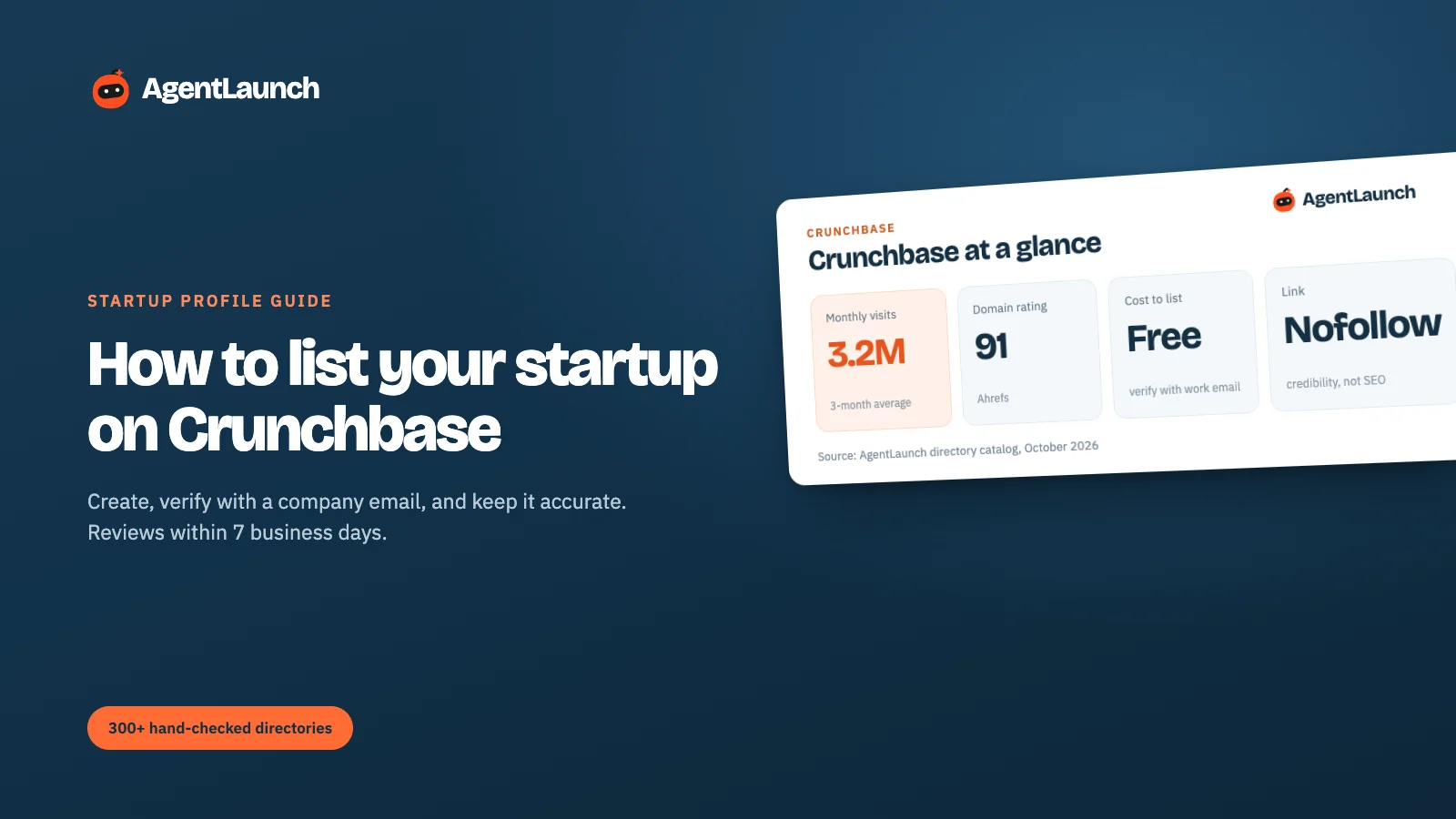
Listing your startup on Crunchbase is free. Any registered user can create a company profile from Resources → Create Profile, fill in the details and save. To control the profile as the company, verify with an email address on your company's domain (for example you@yourstartup.com, not Gmail). Crunchbase's data team reviews verified edit requests within 7 business days.
Crunchbase has a 91 Domain Rating and over 3 million visits a month. The link to your website is nofollow, but a complete profile is worth doing anyway: investors, journalists, data providers and AI assistants all read it. Here's how to do it properly. Checked in October 2026.
Crunchbase at a glance
| Crunchbase | |
|---|---|
| Create a profile | crunchbase.com → Resources → Create Profile (login required) |
| Cost | Free. Crunchbase Pro is a data subscription, not a listing fee |
| Who can add a company | Any registered, socially authenticated user |
| Verification | Log in with a company-domain email, then click the verification link |
| Review time | Within 7 business days for data requests (Crunchbase's stated timeline) |
| Domain Rating | 91 (our Ahrefs check) |
| Traffic | ~3.2M visits/month (3-month SimilarWeb average) |
| Link to your site | nofollow noopener noreferrer (checked 5 Oct 2026) |
What Crunchbase is
Crunchbase is a database of private companies, funding rounds, investors and people. Investors use it to screen startups, journalists to check facts, sales teams to build lists, and data providers and AI assistants to answer "who is this company?". Profiles are free to create and edit; Crunchbase makes its money from Pro data subscriptions.
A Crunchbase profile is often the second or third result for a startup's name. That makes it part of your public record, whether or not you create it.
Step 1: create a Crunchbase account with your company email
Use your work address on your company's domain. Crunchbase verifies employment by matching your account's email domain to the company's website domain. A Gmail account can create a profile, but can't verify it as the company.
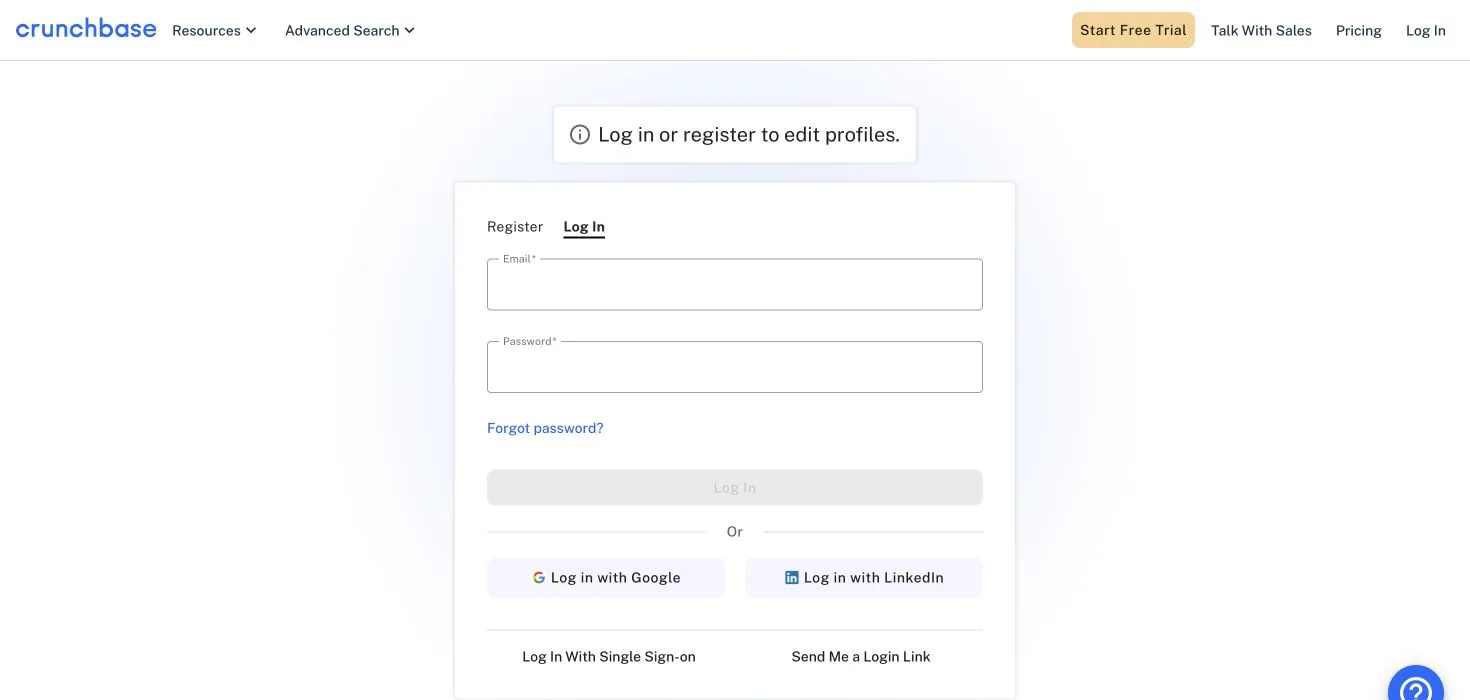
You can sign up with email, Google or LinkedIn. Crunchbase calls this "socially authenticated", and it's required before you can create or edit profiles.
Step 2: check it doesn't already exist
Search Crunchbase for your company name and domain first. Crunchbase builds profiles automatically from news, funding announcements and data partners, so your company may already have a stub. If it does, edit it rather than creating a duplicate. Duplicates get merged, and your edits can be lost.
Step 3: create the profile
Go to Resources → Create Profile, choose Organization, and fill in the fields. These are the ones that matter most:
| Field | What to put |
|---|---|
| Logo | Square, at least 400×400 px, on a plain background |
| Short description | One sentence, under about 150 characters. This shows in search results and lists |
| Full description | 2–3 paragraphs: what you do, for whom, and what makes it different |
| Founded date | Month and year |
| Website and socials | Website, LinkedIn, X. Use the exact domain you'll verify with |
| Headquarters | City and country. Investors filter by location |
| Industries | 3–5 accurate industries (Crunchbase's recommendation) |
| Employees | Headcount range |
| People | Founders and key team, each linked to their own person profile |
| Funding rounds | Only if public and announced. Add a press source |
Click Save All Edits in the top right when you're done.
Step 4: verify, and update it when things change
From your account, request verification with your company email and click the link in the email Crunchbase sends. Once verified, edits to your own company are reviewed faster, and the data team reviews requests (including supporting documents for funding data) within 7 business days.
Update the profile when you raise, hire senior people, launch a major product or move. Crunchbase data flows into investor tools, CRMs, press research and AI assistants, so an out-of-date profile spreads out-of-date facts.
Is it worth it if the link is nofollow?
Yes. Crunchbase isn't a backlink play. It's a credibility and data play:
- Investors and journalists check Crunchbase before a call or an article.
- Data enrichment tools (CRMs, sales intelligence) pull company facts from it.
- AI assistants and search features cite it for company facts like founding date, HQ and funding.
For followed links, use launch platforms and directories with clear dofollow rules. See our dofollow directories guide.
What we saw on a live profile
On Linear's company profile (5 October 2026), the website link was rel="nofollow noopener noreferrer", and the data-source credits on the page (Semrush, BuiltWith, Aberdeen) were mixed. Crunchbase hasn't changed its policy here: the link is for people, not for search engines.
Common Crunchbase problems
| Problem | Fix |
|---|---|
| A stub profile exists with wrong details | Edit it, citing your website or press as the source |
| Duplicate profiles for the same company | Ask Crunchbase support to merge, from a verified company account |
| Funding round shown incorrectly | Submit a correction with a public source (press release or filing) |
| Can't verify with your email | Make sure your Crunchbase login email domain matches your website domain |
| Old employees listed as current | Edit the people section and ask them to update their own person profiles |
Crunchbase for SEO and AI search
Crunchbase pages rank for company-name searches and are a common source for company facts in search features and AI assistants. A correct founding date, HQ, description and website on Crunchbase helps all of those show accurate information about you. That's worth the 20 minutes even though the link is nofollow.
Pros and cons
Pros
- Free, and one of the most-checked company databases.
- Ranks for your company name.
- A common source for facts in search features and AI answers.
- Investors and journalists use it for screening.
Cons
- The website link is
nofollow. - Edits are reviewed, sometimes slowly (up to 7 business days).
- Anyone can create or edit a profile, so stubs and errors appear.
- Pro upsells are frequent.
Common mistakes on Crunchbase
- Verifying with an email that doesn't match your website domain.
- Adding unannounced funding. Crunchbase wants a public source.
- Picking 10 industries. Three to five accurate ones work better.
- Creating a duplicate instead of claiming the stub.
- Never updating it. Old headcount and stale descriptions get copied by data providers.
Crunchbase vs other startup databases
| Site | DR | Visits/month | Cost | Link to your site | Best for |
|---|---|---|---|---|---|
| Crunchbase | 91 | ~3.2M | Free profile | nofollow |
Investors, press, data providers |
| F6S | 83 | ~1.3M | Free | nofollow on the page we checked |
Accelerator and grant applications |
| G2 | 91 | ~2.25M | Free profile | No clickable link | B2B buyers |
Related
- F6S, the other startup profile worth setting up in the same session
- Startup listing sites and best startup directories
- Keeping product details in sync across directories
- AgentLaunch's directory catalog, which separates profile sites like Crunchbase from launch platforms so you can plan both
FAQ
Is it free to list a company on Crunchbase? Yes. Creating and editing a company profile is free. Crunchbase Pro is a paid data subscription you don't need for listing.
How long does Crunchbase take to approve a profile? Crunchbase says its data team reviews requests within 7 business days. Simple profile creation is often visible sooner.
How do I verify my company on Crunchbase? Log in with an email on your company's domain and click the verification link Crunchbase sends.
Does Crunchbase give a dofollow backlink? No. The website link on company profiles is nofollow.