Field notes
How to List Software on SourceForge: Open-Source Project vs Business Listing
SourceForge has two free routes: hosting an open-source project, or a Business Software listing. Which one is yours, every field on the business form, what happens after, and what we found about its links.
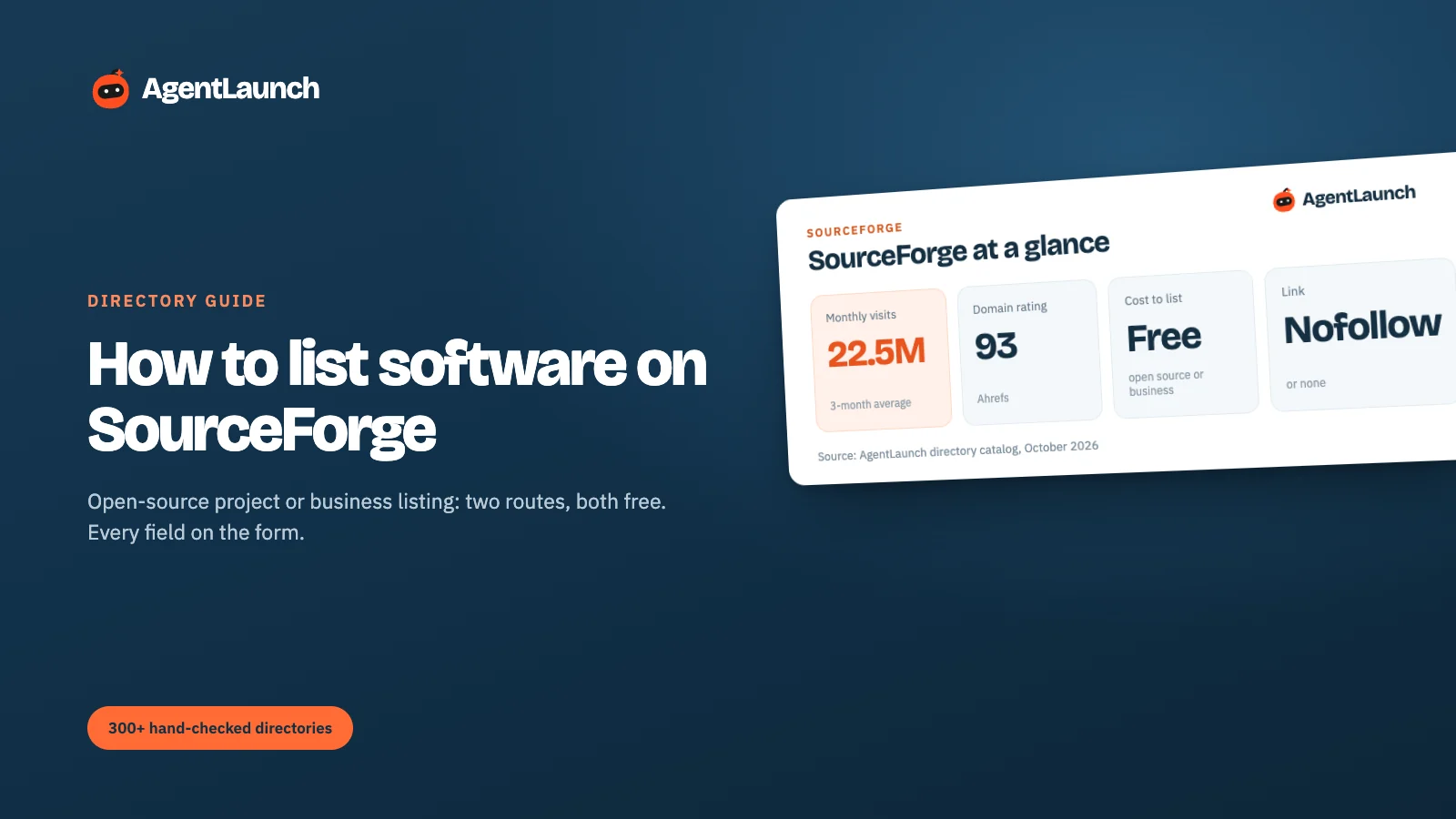
SourceForge has two separate ways in, and choosing the wrong one is the most common mistake. Open-source projects create a project at sourceforge.net/create and get free hosting, a global download mirror network and download statistics. Commercial software and SaaS use the vendor listing form at sourceforge.net/software/vendors/new, which puts your product into SourceForge's Business Software directory. Both are free.
SourceForge has a 93 Domain Rating and over 22 million visits a month, so it's one of the strongest free listings available for software. Here's how each route works, the exact fields on the business listing form, and what to expect afterwards. Checked in October 2026.
SourceForge at a glance
| SourceForge | |
|---|---|
| Open-source route | sourceforge.net/create: host a project or import from GitHub |
| Business software route | sourceforge.net/software/vendors/new (account required) |
| Cost | Free for both. Paid promotion is separate |
| Domain Rating | 93 (our Ahrefs check) |
| Traffic | ~22.5M visits/month (3-month SimilarWeb average) |
| Link to your site | Open-source projects: website link nofollow. Business listings: no direct link on the one we checked |
| Bot protection | Cloudflare. Some pages show "Performing security verification" first |
| Description limit | 1,000 characters on the business form |
Which route is yours?
| You have… | Use | What you get |
|---|---|---|
| An open-source project with releases | /create (or Import from GitHub) | Project page, unlimited-bandwidth mirrors, malware-scanned downloads, download stats by platform and region, Open Source Directory listing |
| A commercial product or SaaS | Business software listing | A product page in the Business Software directory, comparison pages, reviews |
| Both (open-core) | Both, linked from each other | Open-source project for the code, business listing for the hosted product |
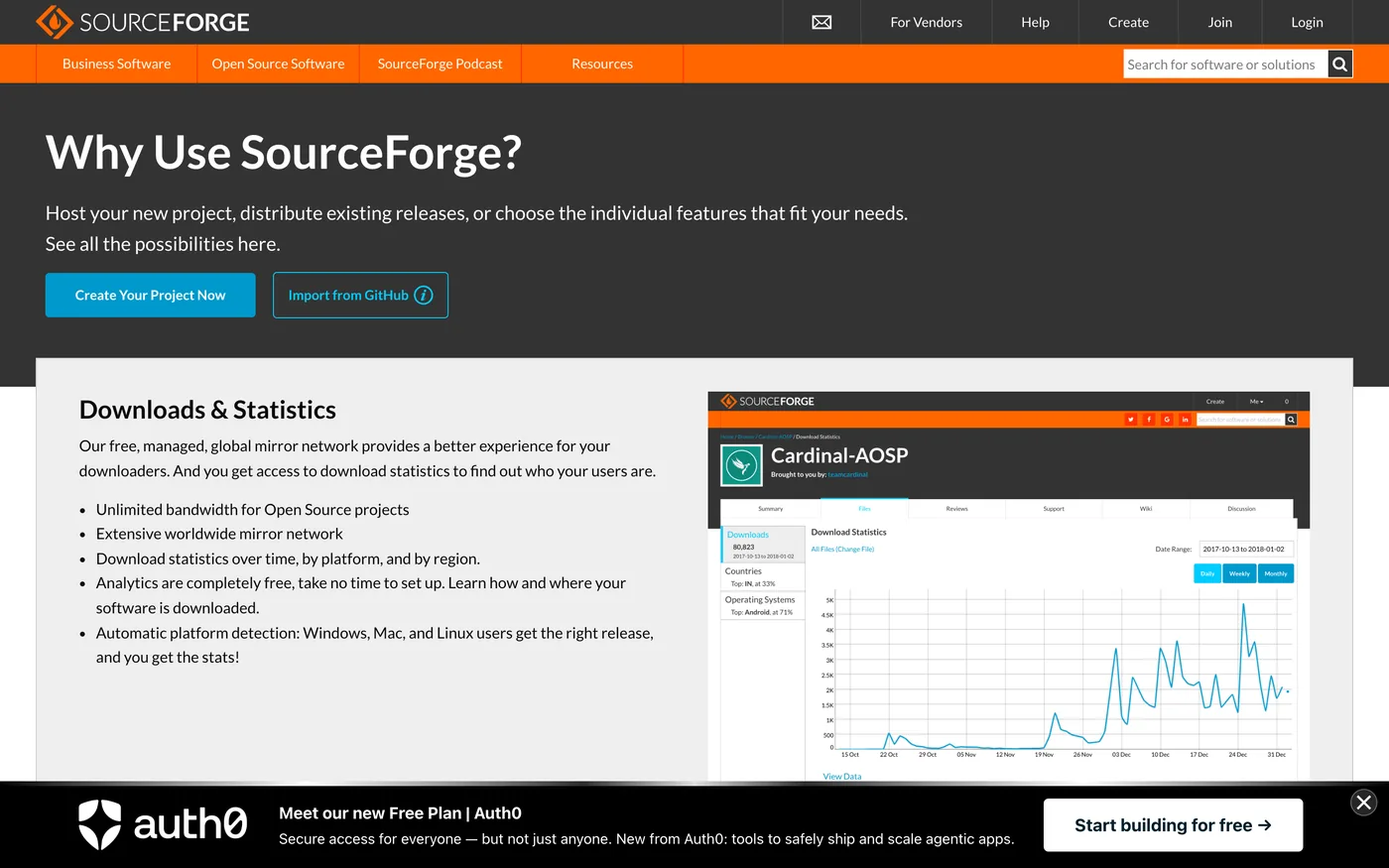
The open-source route
- Sign in, go to sourceforge.net/create, and choose Create Your Project Now or Import from GitHub.
- Categorise the project by topic, platform and license. These decide which Open Source Directory pages you appear on.
- Upload a release. Automatic platform detection serves Windows, Mac and Linux users the right file, and the free analytics show downloads by platform and region.
- Add screenshots and a clear summary. SourceForge staff pick featured projects and a "project of the month", and complete pages are the ones that get picked.
If your project already lives on GitHub, importing keeps SourceForge as a mirror and directory listing without moving your development.
The business software route: every field on the form
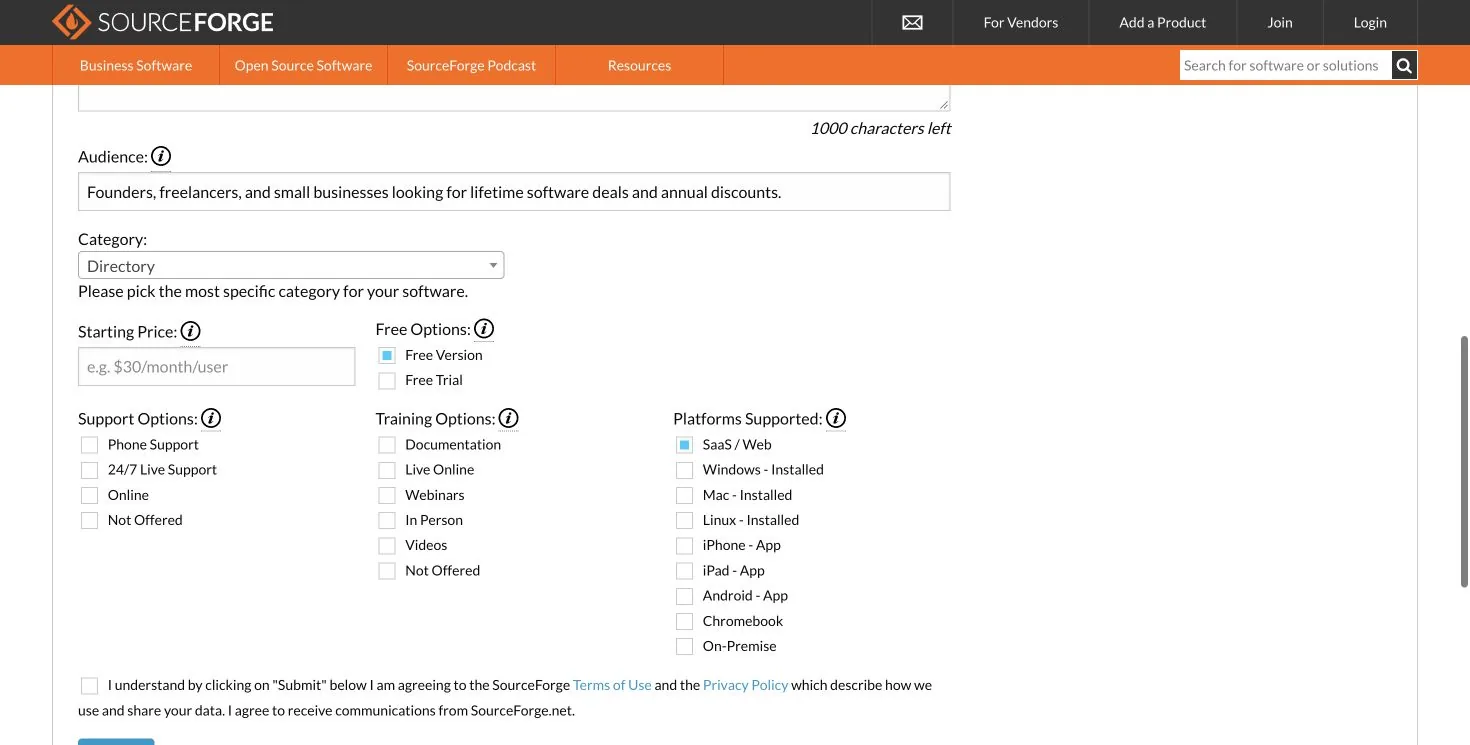
The vendor form is one long page. These are the fields we went through:
| Field | Notes |
|---|---|
| Product name, company name, website, contact email | Use a company-domain email |
| Description | Up to 1,000 characters. Say what it does and who it's for in the first two sentences |
| Audience | One line describing who it's for, for example "Founders, freelancers and small businesses looking for…" |
| Category | Pick the most specific category for the software (dropdown) |
| Starting price | For example "$30/month/user". Leave it empty if you're free-only |
| Free options | Free version and/or free trial |
| Support options | Phone, 24/7 live, online, not offered |
| Training options | Documentation, live online, webinars, in person, videos |
| Platforms supported | SaaS/Web, Windows, Mac, Linux, iPhone, iPad, Android, Chromebook, on-premise |
| Job title and logo | Both required |
| Terms checkbox | Agreeing to SourceForge's terms and to receive its communications |
The structured fields (pricing, free options, platforms, support) feed SourceForge's comparison and filter pages. That's where buyers find you, so fill them in accurately rather than skipping them.
What happens after you submit
SourceForge reviews business listings before they're public. Once live, your product appears in its category, on alternatives and comparison pages, and can collect user reviews. SourceForge's vendor program also sells paid promotion. You don't need it for the free listing.
If a Cloudflare "Performing security verification" page appears, wait a few seconds in a normal browser. It clears for real users, but blocks scripted and headless browsers.
Does SourceForge give a backlink?
Not a followed one, in what we checked on 5 October 2026:
- Open-source project pages: KeePass's project page links to keepass.info with
rel="nofollow", on both the website and donate links. - Business software listings: Linear's listing in the Business Software directory had no clickable link to linear.app at all. Buyers go through SourceForge's own pages.
So SourceForge is about the audience: about 22.5 million visits a month, mirrors and download stats for open-source projects, and comparison and review pages for business software.
Is SourceForge worth it?
Yes, for traffic and visibility rather than links. It's one of the few free listings with very high authority (93 DR) and real buyer traffic. For open-source projects it's a no-brainer, and for SaaS the business listing takes about 15 minutes. Don't count on a dofollow link, though: link attributes vary across the site.
Pros and cons
Pros
- Huge audience (~22.5M visits a month) and 93 DR.
- Free for open-source and business listings.
- Mirrors, malware scanning and download stats for open-source releases.
- Business listings appear on comparison and alternatives pages.
Cons
- Links to your site are
nofollowor absent. - Cloudflare checks can slow the forms down.
- The business form has many required fields (1,000-character description, logo, job title).
- Lots of ads and sponsored listings around yours.
Common mistakes on SourceForge
- Choosing the wrong route. Open-source code goes to /create; a SaaS goes to the business directory.
- Writing a vague first sentence. The description is capped at 1,000 characters, so say what it does and for whom up front.
- Leaving support, training and platform fields empty. Buyers filter on them.
- Importing from GitHub and never adding releases. Download stats are what make an open-source page look alive.
How SourceForge compares with the big review sites
| Site | DR | Visits/month | Free profile | Link to your site (our check, 5 Oct 2026) | Paid options |
|---|---|---|---|---|---|
| G2 | 91 | ~2.25M | Yes | No clickable link on the profile we checked | Profile upgrades, buyer intent |
| TrustRadius | 85 | ~290K | Yes | CTA buttons only on paid profiles (followed on the ones we saw) | Premium profile |
| SoftwareSuggest | 77 | ~358K | Yes | "Visit Website" buttons are sponsored nofollow ad links |
Gold, Platinum, pay per lead |
| SaaSworthy | 75 | ~220K | Yes | No link on the pages we could check | Placements, lead targeting |
| SaaS Browser | 74 | ~13K | Claim | "Visit" goes through a nofollow redirect |
Data plans |
| SourceForge | 93 | ~22.5M | Yes | No direct link on the business listing we checked | Promotion |
| Crunchbase | 91 | ~3.2M | Yes | nofollow |
Pro data subscription |
Related
- Software review sites for B2B vendors and G2 vs Capterra
- Developer tool? Also launch on DevHunt and Show HN
- How to get your first software reviews once you're listed
- AgentLaunch's catalog separates review and listing sites from launch platforms, and your AI agent in Claude Code, Codex or Cursor fills long forms like this one
FAQ
Is listing software on SourceForge free? Yes. Both open-source project hosting and business software listings are free.
Can I list a SaaS product on SourceForge? Yes. Use the business software vendor form, not the open-source project creator.
What's the description limit on SourceForge? 1,000 characters on the business listing form.
Does SourceForge give a dofollow backlink?
No. Open-source project website links were nofollow, and the business listing we checked had no direct link. Treat it as a traffic listing.