Vibe coding growth guidesSaaS launch and marketing
How to Launch a Vibe-Coded App: The Marketing Launch Checklist
A six-week marketing launch checklist for apps built with Lovable, Bolt, Replit, v0, Cursor or Claude Code: domain, analytics, copy, listings, Product Hunt and follow-up.
 By Pruthvi RajNovember 23, 2026
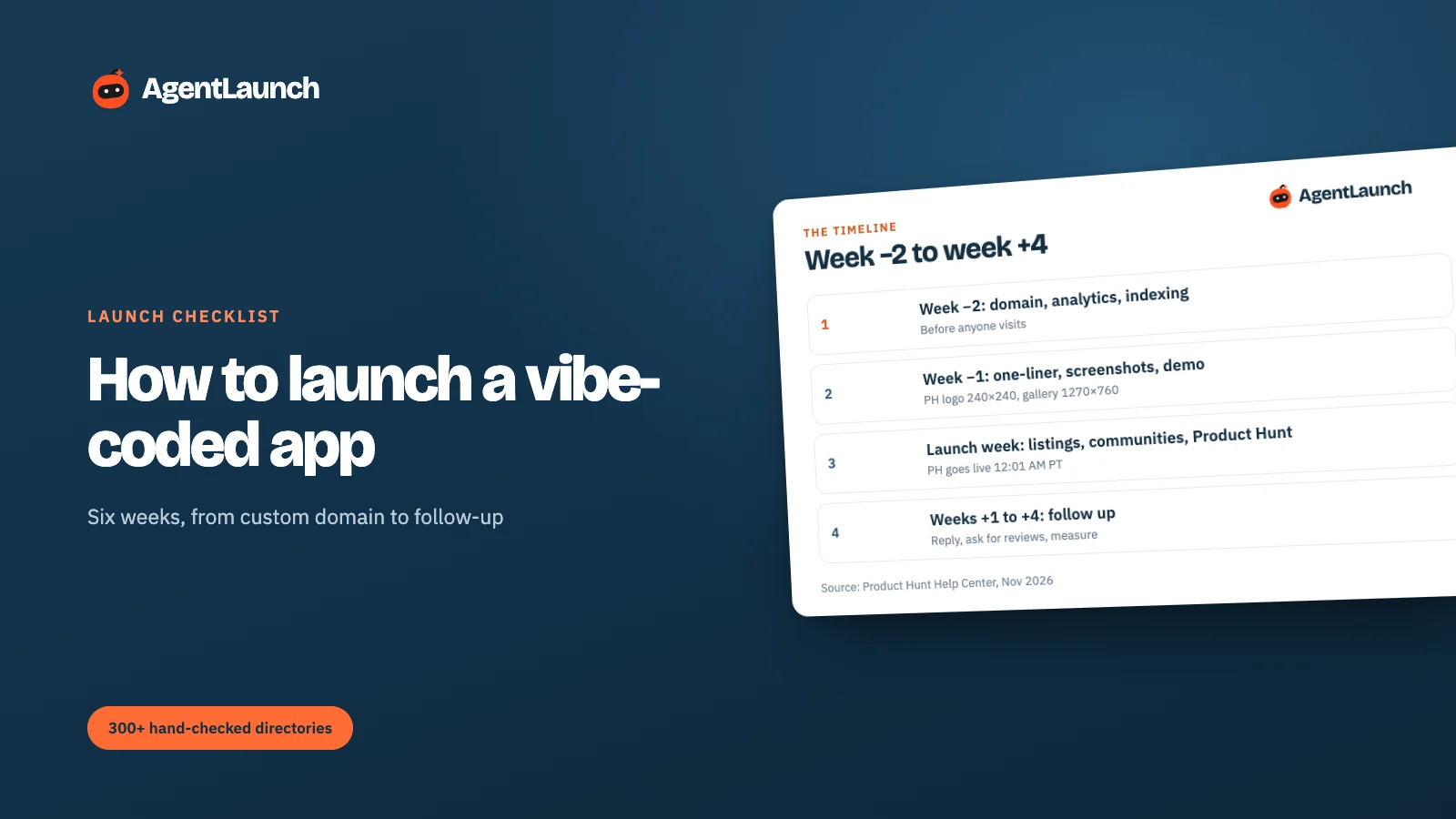
How to launch a vibe-coded app: give it six weeks, not one day. Two weeks of setup, one week of prep, launch week, then four weeks of follow-up.
Quick answer:
- Week −2: custom domain, analytics, sitemap in Search Console.
- Week −1: a 60-character one-liner, logo, screenshots and a short demo.
- Launch week: first relevant listings, one community post, Product Hunt.
- Weeks +1 to +4: reply, follow up, collect reviews, measure signups per channel.
Most launch checklists for vibe-coded apps cover security: API keys, row-level security, rate limits. Do those. This one covers the other half, getting your first users, with notes for Lovable, Bolt, Replit, v0, Cursor and Claude Code.
What you'll need
| Item | Time | Cost |
|---|---|---|
| A custom domain | 15 min + DNS wait | Registrar fee |
| Analytics | 20 min | Free tiers exist |
| Google Search Console | 15 min | Free |
| Launch copy at three lengths | 1 hour | Free |
| Logo, 3–5 screenshots, a demo | 2–3 hours | Free |
| A Product Hunt account | 10 min | Free |
Lovable and Bolt need a paid plan to connect a custom domain.
How to launch a vibe-coded app: the master checklist
Week −2
- App loads on
https://yourdomain.com, and the platform URL redirects to it. - Analytics shows your own test visit by source.
- Sitemap status is Success in Search Console.
- Pasting your URL in Slack or X shows the right title and image.
Week −1
- 60-, 160- and 500-character descriptions saved in one file.
- 240 × 240 logo, 1270 × 760 gallery images, a demo video link.
- One clear call to action on the landing page.
- 10–20 listings that fit, 1–2 communities and a Product Hunt date picked.
Launch week
- First listings submitted and tracked in a sheet.
- Community posts up where you already take part.
- Product Hunt or Show HN live, and you're replying to every comment.
Weeks +1 to +4
- Every commenter thanked.
- Signups per channel recorded.
Step 1 (week −2): Deploy your vibe-coded app on a custom domain
Every builder gives you a free address like lovable.app, bolt.host, replit.app or vercel.app. That's fine for testing. For launch, use your own domain.
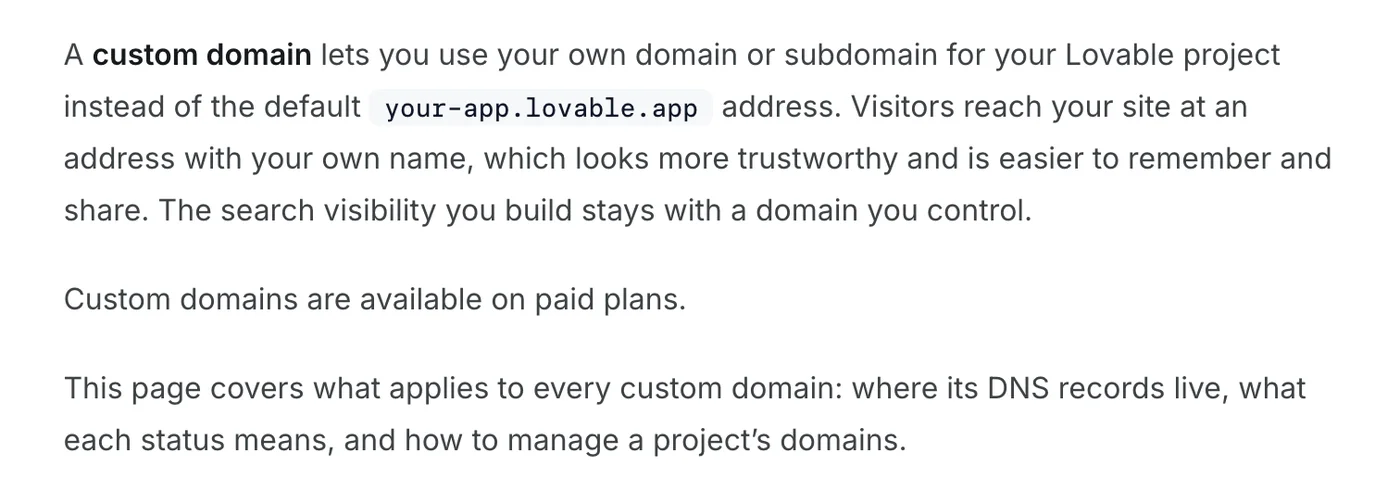
Lovable's custom domain docs say it plainly: the search visibility you build stays with a domain you control. Branded workspace URLs never appear in search.
Here's how each tool handles it:
- Lovable: paid plans only, under Project → Settings → Domains. For domains added since October 29, 2025, the first one becomes primary and others 302-redirect to it. See our Lovable custom domain setup.
- Bolt: publishing to
bolt.hostis free, but custom domains need a paid plan and a published site. Bolt's publishing docs say most connect within a few hours, some up to 24. - Replit: the Domains tab appears after a deployment. Turn off Cloudflare proxying so certificates renew, and allow up to 48 hours for DNS, per Replit's docs.
- v0: add your domain from Publish → Customize Domain, as in the v0 custom domain docs.
- Cursor and Claude Code: you pick the host. Ask your agent to write the deploy config, set your domain as primary and redirect the default URL.
Step 2 (week −2): Add analytics before anyone visits
Launch traffic comes in a spike. Add analytics after, and you lose the one week that shows which channel worked.
- GA4: create a property, then go to Admin → Data Streams → Add stream and add the tag.
- Vercel: turn on Web Analytics and add the
@vercel/analyticspackage. - Lovable: More → Analytics shows visits by channel.
- Replit: traffic shows in its Growth dashboard.
Put UTM tags on links you control, like posts, emails and bio links, so each community shows up as its own source.
Step 3 (week −2): Get indexed and fix share previews
Start two weeks out, because indexing isn't instant. Google says a requested URL usually takes a day or so and can take much longer.
Verify the domain in Search Console, submit the sitemap and inspect the home page.
- Lovable: connect Search Console from the Analytics view, and Lovable can submit the sitemap for you. Its docs warn it doesn't always create one. Rerun the SEO review after adding your domain.
- Replit: shows an SEO rating after each publish. The SEO Agent that fixes issues is on paid plans.
- Bolt, v0, Cursor, Claude Code: you set up the sitemap and metadata yourself. Our SEO checklist for vibe-coded apps has a prompt for each step.
Check share previews too. Chat apps, social networks and some launch platforms pull your Open Graph title and image.
Step 4 (week −1): Write your one-liner and positioning
Write one sentence that says who it's for and what it does. Then make three versions:
| Version | Length | Used by |
|---|---|---|
| Tagline | 60 characters | Product Hunt, launch platforms |
| Summary | ~160 characters | Directories, meta description |
| Description | 500 characters | Product Hunt, longer forms |
Product Hunt allows a 40-character name, 60-character tagline and 500-character description. Across directory forms in the AgentLaunch catalog, short descriptions run from 80 to 300 characters.
In our 30-day read of Product Hunt's leaderboard, the median top-5 tagline was 49 characters. Product Hunt's advice: "Say exactly what the product does. Skip hype like 'the best' or '#1'."
Paste this into your coding agent:
Read our landing page and README. Write: a product name (max 40 chars), a
tagline (max 60 chars, says exactly what it does, no hype words), a 160-char
summary, a 500-char description, 3 category tags, and 5 competitor names.
Save as launch-copy.md.
Step 5 (week −1): Make screenshots and a demo video
Product Hunt's product page guide asks for:
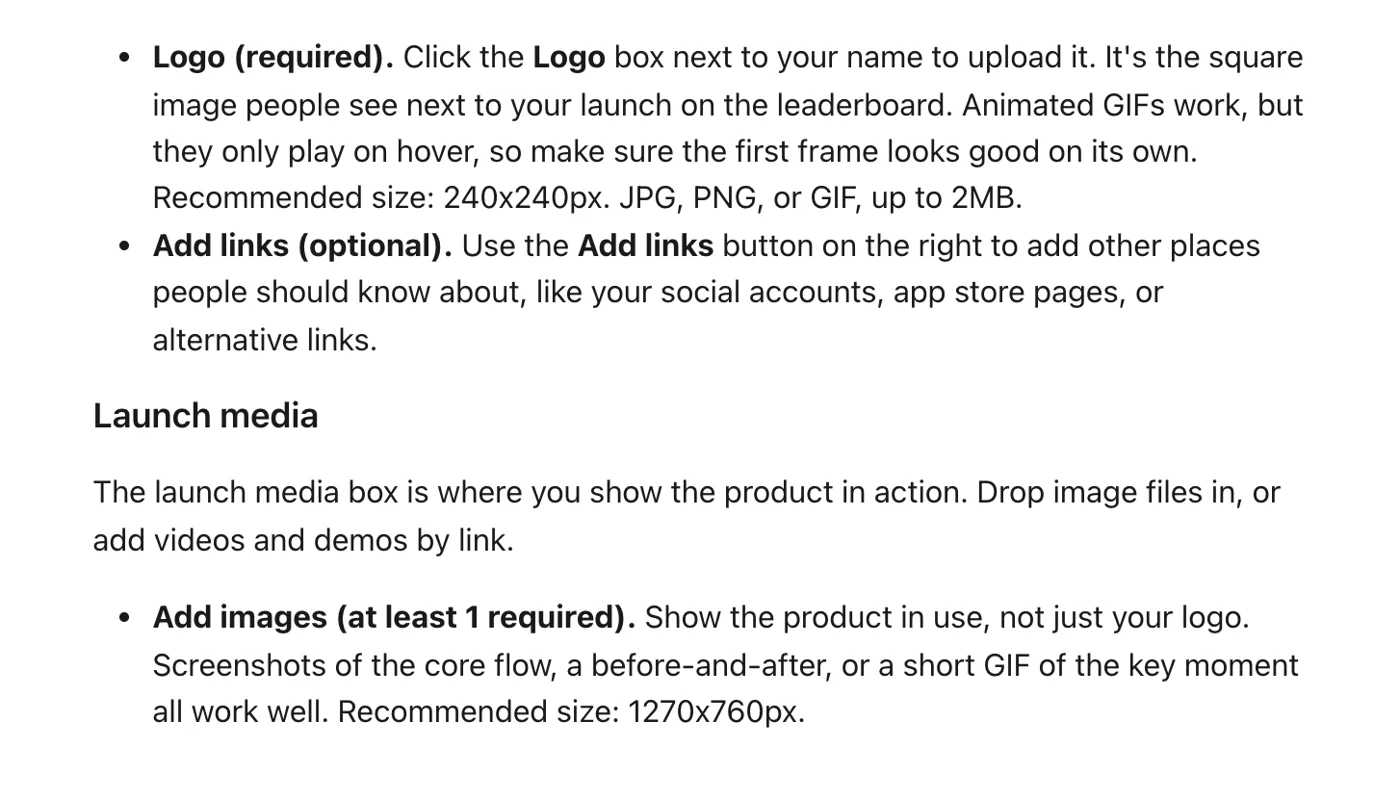
- A 240 × 240 logo, JPG, PNG or GIF, up to 2 MB.
- At least one gallery image at 1270 × 760.
- An optional video.
Design once at 1270 × 760 and crop for other platforms. Our Product Hunt screenshot dimensions guide covers layouts.
The demo doesn't need polish. Product Hunt says a simple screen recording with your voice can beat a big-budget trailer.
Record the main job end to end in under two minutes. Show the result in your first gallery image, not your logo.
Step 6 (week −1): Decide waitlist or open signup
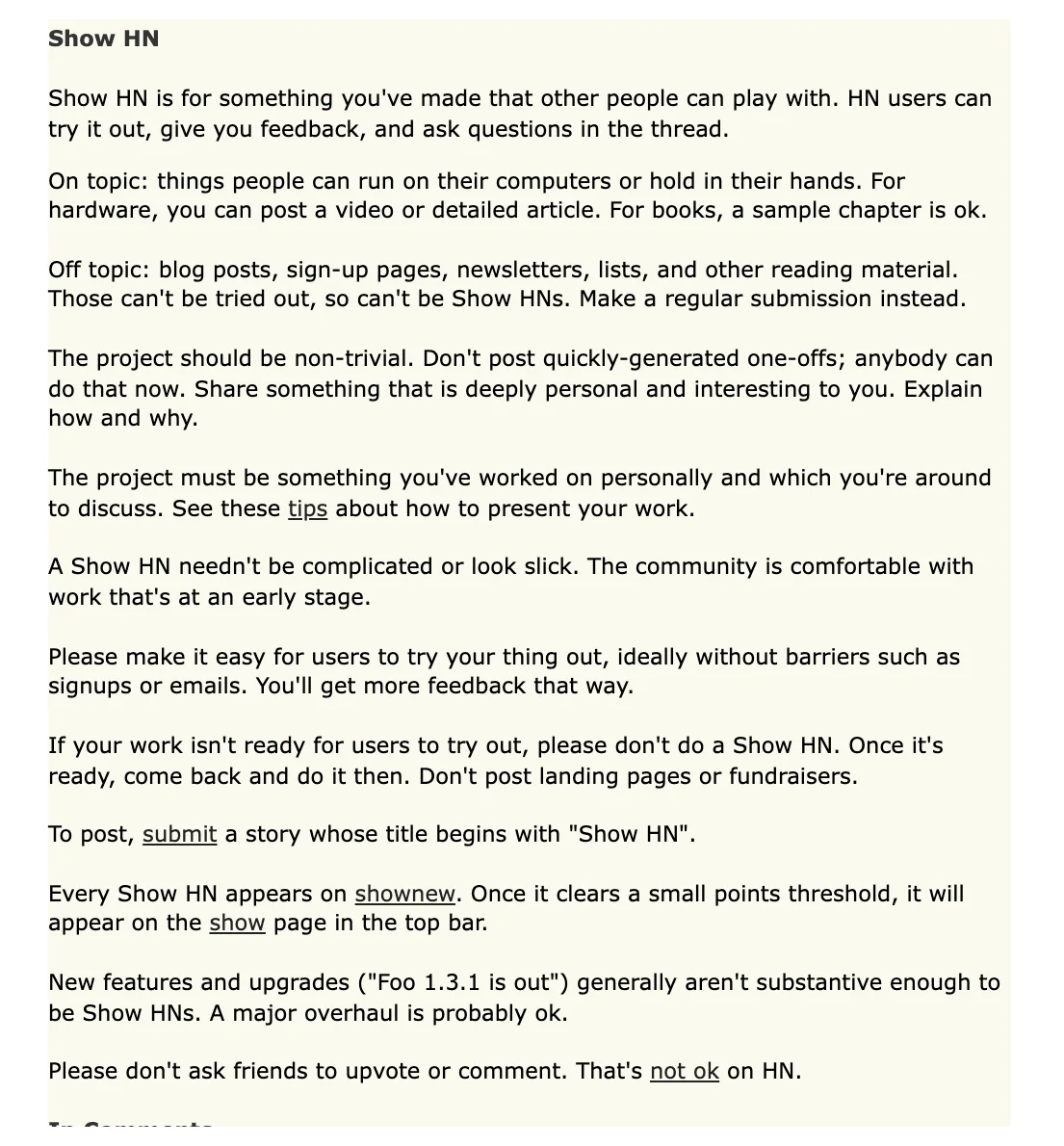
If the app works, let people in. Show HN's guidelines ask for something people can try, ideally without signups, and landing pages don't qualify.
A waitlist only makes sense if the product isn't usable yet. Then collect emails now and launch on Product Hunt and Show HN later.
Either way, give the landing page one call to action above the fold.
Step 7 (launch week): Submit your first relevant listings
Directories and launch platforms give you permanent pages and your first links. They rarely send a flood of traffic, so pick by fit.
The AgentLaunch catalog profiles 352 directories:
- 103 launch platforms and maker communities, 97 of them with a free option
- 122 AI tool directories
- 41 SaaS and startup directories
- 215 with a dofollow link, 78 nofollow
Builder showcases exist too, like Made with Lovable (DR 34, nofollow). Lovable's launch guide also suggests posting on X and tagging @Lovable, which it usually reposts.
Start with 10–20 that match your category. Our ranked list of where to submit a vibe-coded app has the data, and are startup directories worth it sets expectations. You can check which directories fit your app in seconds.
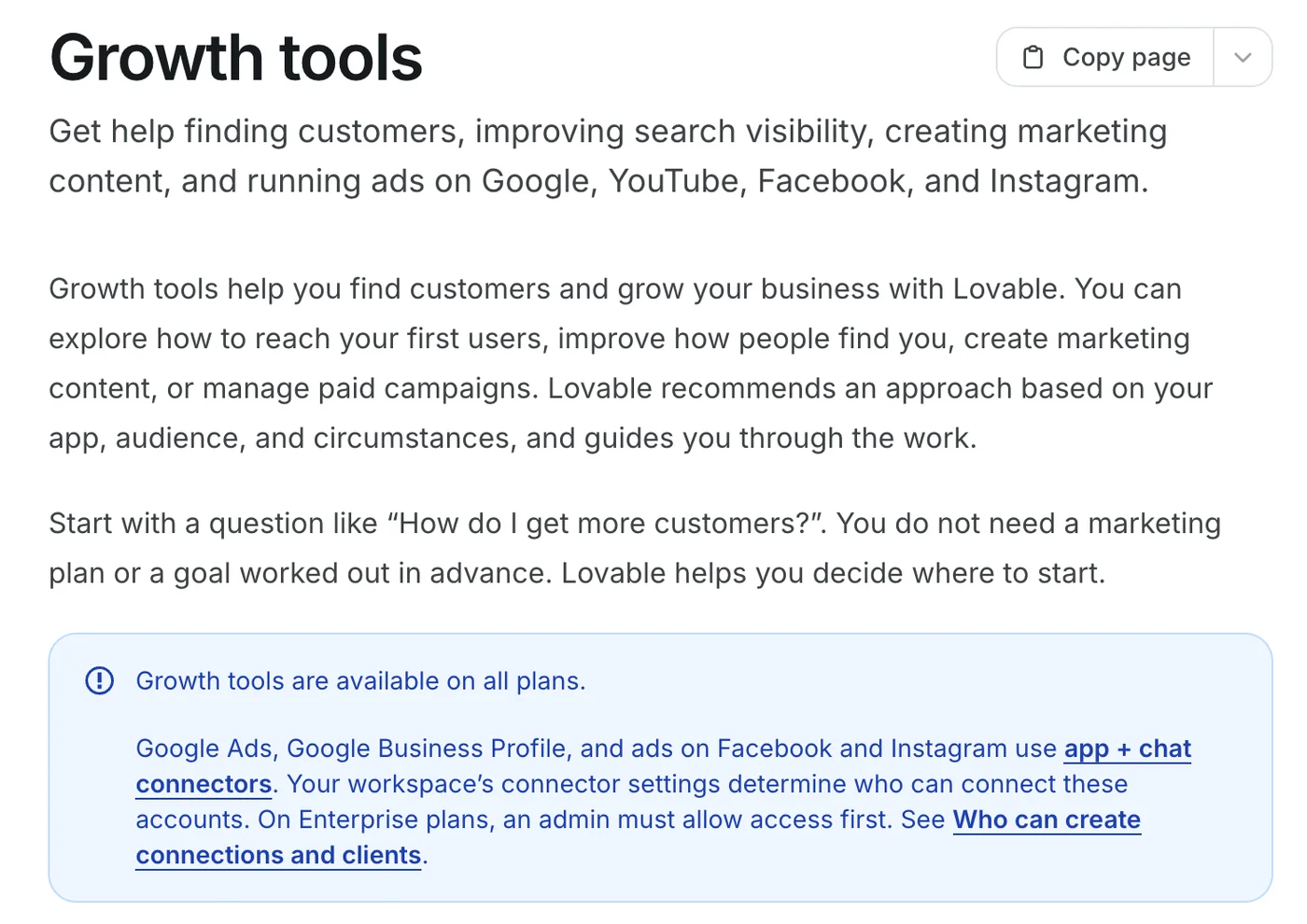
Lovable users: Growth tools, on all plans, find communities and directories and draft your posts. You still publish and submit them yourself.
Cursor, Claude Code and Codex users: AgentLaunch runs inside the agent you already use. It submits your product to hand-checked launch platforms and directories, writes copy for each form and fills it in a real browser.
It stops only for CAPTCHAs, payments or 2FA, and tracks every listing.
Step 8 (launch week): Post in communities where you already take part
Communities punish drive-by links. Product Hunt's promotion guide warns against dropping links in communities you've never posted in.
- Show HN: start the title with "Show HN" and post something people can try. The rules now say "Don't post quickly-generated one-offs; anybody can do that now." Explain what's hard about what you built, and never ask friends to upvote.
- Reddit: each subreddit has its own self-promotion rules. Our list of the best subreddits to promote your app has them.
- Indie Hackers, X, LinkedIn: share the build story and one specific lesson, not a bare link.
Step 9 (launch day): Launch on Product Hunt and other launch platforms
The Product Hunt rules that shape your plan:
- Launching is free, and you can hunt your own product.
- Launches go live at 12:01 AM Pacific and run until midnight. Schedule up to 30 days ahead.
- Never ask for upvotes. Anything that rewards upvotes breaks the rules.
- Featuring is an editorial call. The leaderboard weighs upvotes, comments, time since launch and other signals.
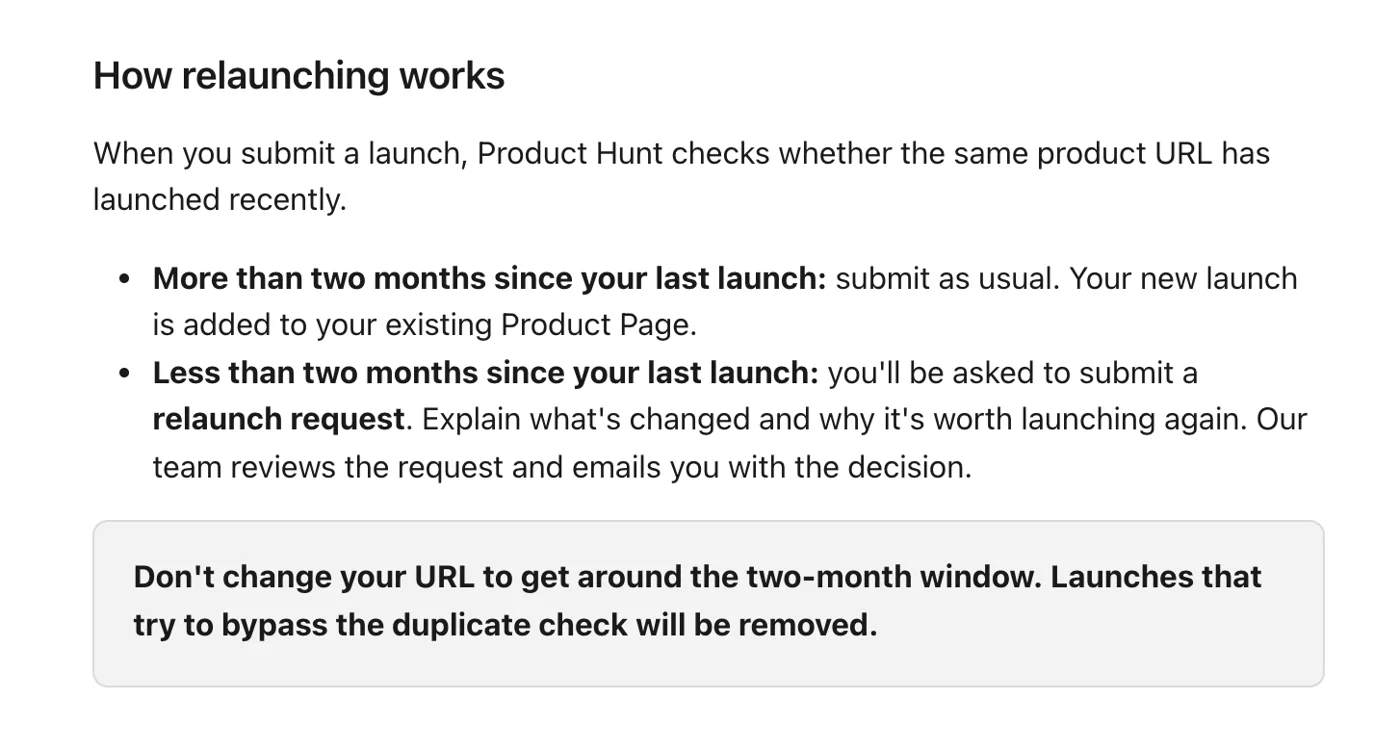
- Relaunching within two months of your last launch needs a reviewed request.
Competition is up. Product Hunt counted 2,345 launches in Q2 2026, up from 1,508 a year earlier, and named vibe-coding tools as a big reason.
In our 30-day leaderboard data, the median #1 product had 443 upvotes and the median #10 had 110. Our guide to Product Hunt for vibe-coded apps covers the day hour by hour.
Spread smaller launch platforms over the next weeks so you can reply on each.
Step 10 (weeks +1 to +4): Follow up and measure
Product Hunt's after-launch advice works for every channel: keep replying, reach back out to people who engaged, turn comments into fixes and ask happy users for reviews.
- Week +1: reply to every comment and email. Ask each commenter one question about their use case.
- Week +2: ship the top fix and tell the people who asked for it.
- Week +3: submit the next batch of listings. Check which sources sent signups, not just visits.
- Week +4: write down what worked and pick the channel to repeat.
Our guide to getting your first 100 users picks up from here. The marketing hub for vibe-coded apps covers the longer game.
Common mistakes
- Launching on the platform subdomain, then moving after links point at the old one.
- Adding analytics after launch day and losing the only spike you'll get.
- Product Hunt as the whole plan. Indie Hackers founders report top-50 finishes with zero signups.
- A landing page on Show HN. It's off topic until people can try it.
- Asking for upvotes. Product Hunt and HN both forbid it.
- One launch day, then silence. The follow-up weeks turn users into customers.
What results to expect
- Product Hunt: in our 30-day sample, Product Hunt featured a median of 17 products per weekday. Rank 10 needed a median of 110 upvotes, and most launches get less.
- Directories: one B2B SaaS made about 160 submissions for 171 sessions over two months. Treat listings as discovery and links, not traffic.
- Indexing: usually a day or so for a requested URL, sometimes much longer.
- Users: nobody publishes a reliable number for a typical launch. Set your own target before launch day and measure against it.
FAQ
How do I deploy a vibe-coded app?
Use the builder's publish button, then connect a custom domain. From Cursor or Claude Code, deploy to a host like Vercel, Netlify or Cloudflare and set your domain as primary.
What should I do after deploying my app?
Add analytics, verify the domain in Search Console, submit a sitemap and check share previews. Then write your copy and plan launch week.
Do I need a custom domain to launch?
You can launch without one. But search visibility stays with a domain you control, so connect it before you collect links.
Is Product Hunt worth it for a vibe-coded app?
Yes, as one channel. It's free and gives you a permanent page, but rank 10 needed a median of 110 upvotes in our sample.
Can I post a vibe-coded app on Show HN?
Yes, if people can try it and it's more than a quick one-off. Landing pages and sign-up pages are off topic.
What goes on a launch checklist for a SaaS?
The same timeline, plus billing and onboarding checks if you charge from day one.