Vibe coding growth guidesSEO and backlinks
How to Get Recommended by ChatGPT: A Step-by-Step Guide for Small Apps
Seven steps to get your app named in ChatGPT, Perplexity and Google AI answers: crawler access, one consistent description, listings, comparison pages and a monthly test.
 By Pruthvi RajNovember 23, 2026
Here's how to get recommended by ChatGPT: first let OpenAI's search crawler into your site, then make every page that describes your app say the same thing. OpenAI says sites that block OAI-SearchBot won't show up in ChatGPT search answers at all.
Quick answer:
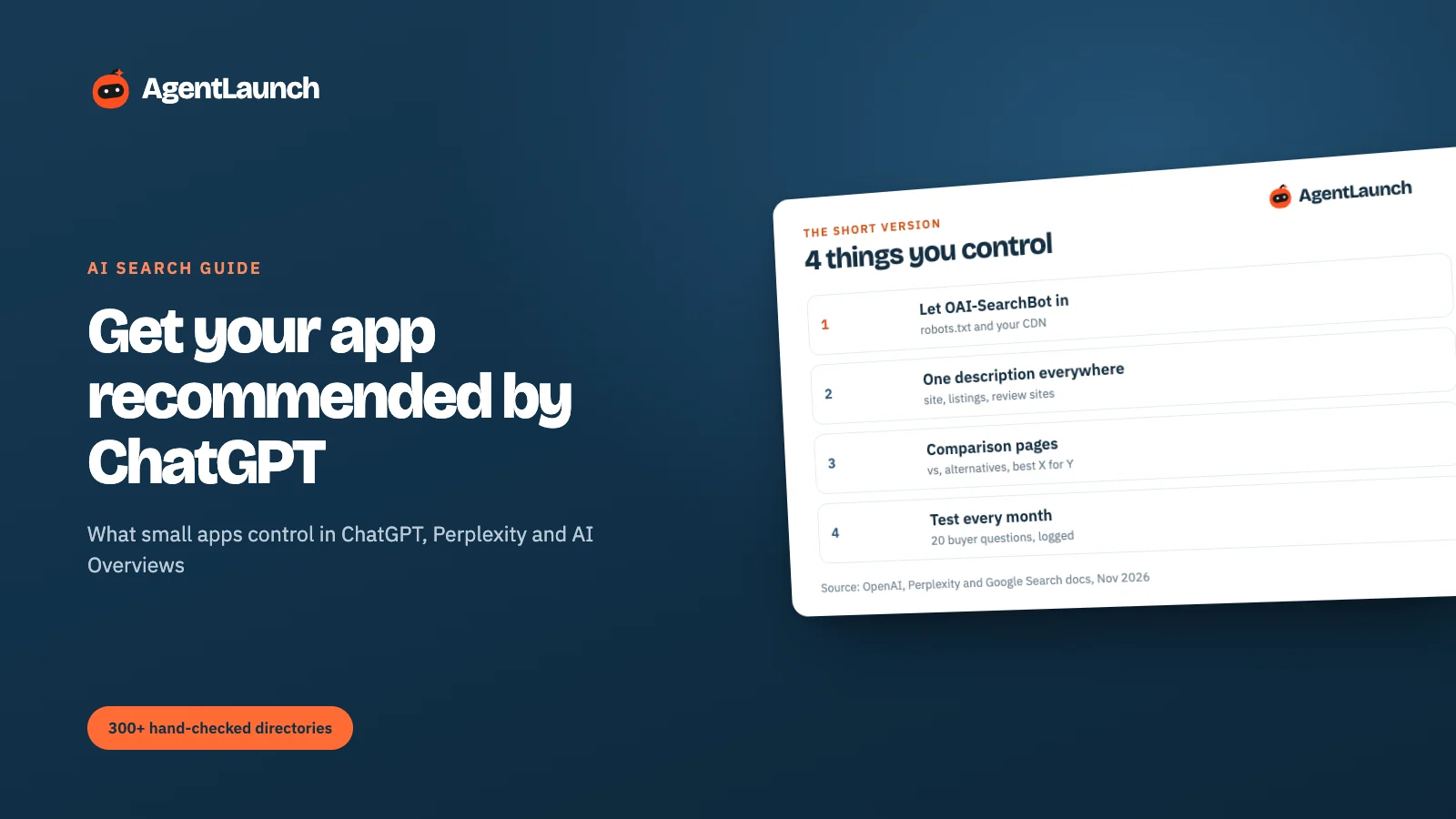
- Allow OAI-SearchBot, PerplexityBot, Googlebot and Bingbot in robots.txt and your firewall.
- Get indexed in Google Search Console and Bing Webmaster Tools.
- Write one plain description of your app and use it everywhere.
- Get listed on directories and review sites, and publish comparison pages.
- Ask the engines your buyer's questions monthly and log who they name.
What you'll need
| Item | Time | Cost |
|---|---|---|
| Access to robots.txt and CDN settings | 20 min | Free |
| Google Search Console and Bing Webmaster Tools | 30 min | Free |
| A one-sentence app description | 30 min | Free |
| 20 buyer questions and a spreadsheet | 30 min, then 10 min a month | Free |
| Listings on 20–50 directories | 1–3 days by hand | Free to paid |
How to get recommended by ChatGPT: how the engines pick sources
All three engines answer from live web results. Two things decide whether you show up: can they fetch your page, and is your app named on the pages they pull?
- ChatGPT ranks results on several factors, with no placement guaranteed. It sends shorter versions of your question to other search providers, and the page links to Microsoft's privacy statement. So Bing matters, not only Google.
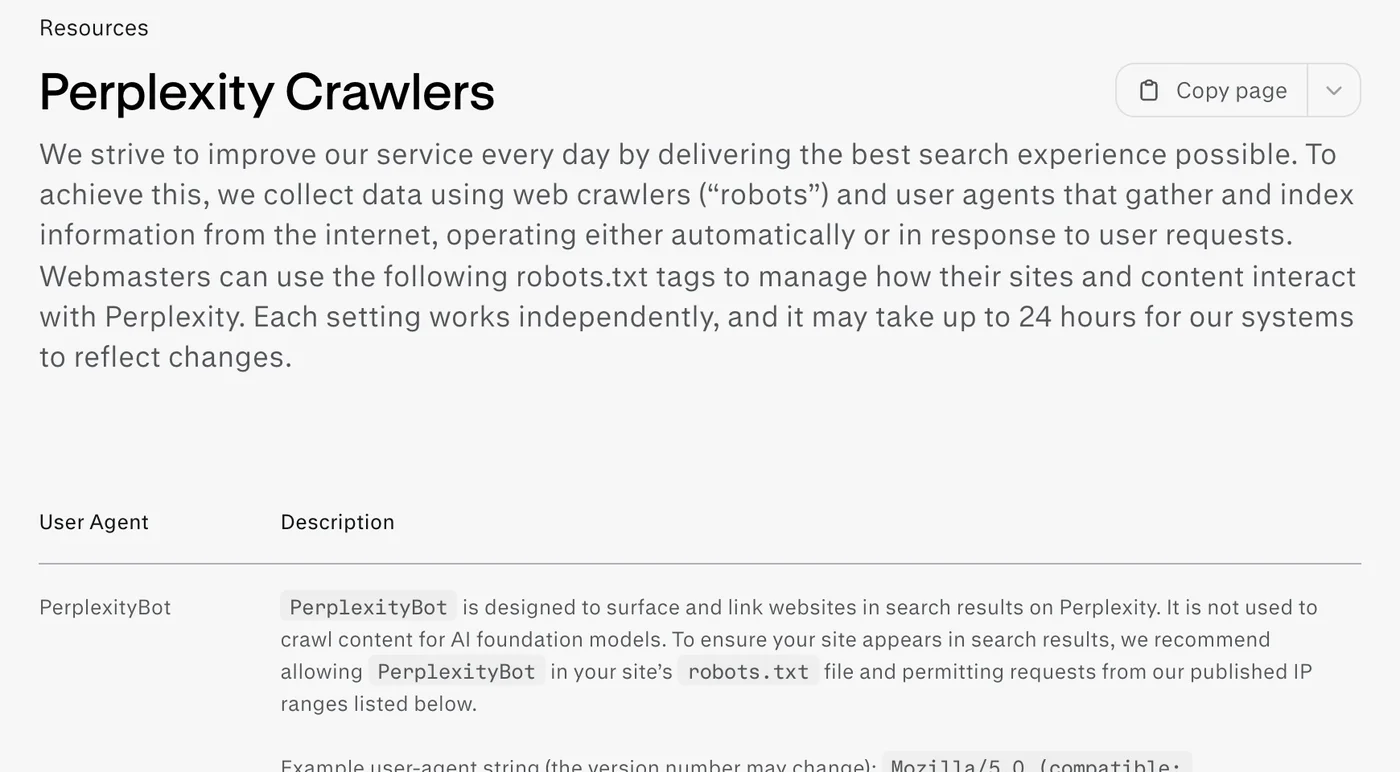
- Perplexity uses PerplexityBot to link sites in answers, not to train models. Its crawler docs ask you to allow the bot and its IP ranges.
- Google AI Overviews and AI Mode need nothing beyond normal SEO. Both may use query fan-out, running several related searches to build one answer.
Fan-out is the useful part. Ask for an invoicing app for freelancers, and the engine may search "best invoicing app freelancers" and read the top pages. If your app is named there, you have a chance. Our glossary explains AI Overviews.
Step 1: Let the AI search crawlers in
Edit robots.txt
Open https://yourapp.com/robots.txt. If it blocks everything or blocks unknown bots, add explicit rules:
User-agent: OAI-SearchBot
Allow: /

User-agent: PerplexityBot
Allow: /

User-agent: Googlebot
Allow: /

User-agent: Bingbot
Allow: /

Sitemap: https://yourapp.com/sitemap.xml
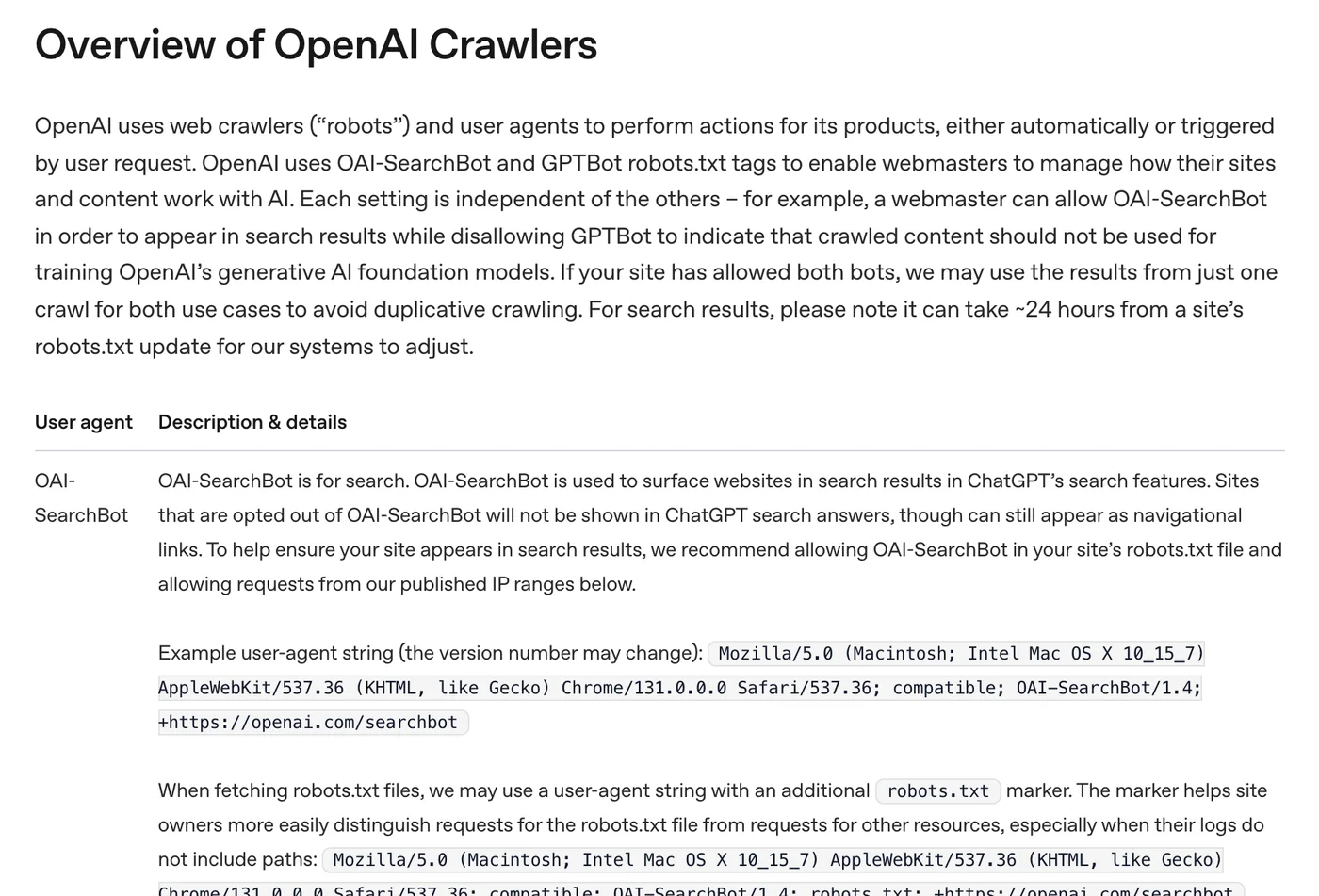
In OpenAI's crawler overview, OAI-SearchBot is for search and GPTBot is for training. Blocking GPTBot doesn't remove you from search. Changes take up to about 24 hours.
Check your CDN and firewall
Bot protection on your host can block a crawler that robots.txt allows. On Cloudflare, Perplexity gives the path: Security → Security rules → Create rule → Custom rules. Match the bot's user agent and IP ranges, and set the action to Skip.
One catch: Bot Fight Mode can't be skipped with a custom rule. If it's on, it can still challenge PerplexityBot.
Make sure the crawler sees text
A client-side React or Vite app can look like an empty page to a crawler that doesn't run JavaScript. Test it from your terminal:
curl -s -A "OAI-SearchBot" https://yourapp.com | grep -i "your tagline"
No match means the bot can't see your tagline. The fix depends on your builder:
- Lovable: apps created from 13 May 2026 (22 June on Enterprise) render on the server. Older apps get pre-rendered pages for verified crawlers, including AI search bots.
- Bolt, Replit, v0: run the same test and follow our SEO checklist for vibe-coded apps.
- Cursor or Claude Code: ask your agent to pre-render the marketing pages to static HTML, then rerun the test.
Step 2: Get indexed in Google and Bing
A page must be indexed to appear in Google's AI features. ChatGPT pulls from search partners, and Microsoft is one of them. So:
- In Google Search Console, verify your domain, submit
sitemap.xmlunder Sitemaps, and run URL Inspection on your top pages. - In Bing Webmaster Tools, verify the site, submit the same sitemap and turn on IndexNow. Microsoft says IndexNow helps AI systems use the latest version of a page.
- Remove
noindexfrom pages you want cited. Also check you didn't setnosnippetormax-snippetby accident.
Step 3: Write one description and use it everywhere
AI answers are built from many pages. If your homepage says "AI workspace" and Product Hunt says "note-taking tool," the engine gets two weak signals instead of one strong one.
Write this once and paste it everywhere:
- One sentence: "[App] is a [category] for [who] that [does what]."
- Three facts: pricing model, platform and main use case.
- Two or three category words people search for, used the same way each time.
Put it in your homepage hero as real text, your title tag, About page, listings and bios.
This matters most on the homepage. SE Ranking found that 60% of AI-referred traffic lands on homepages, against 17% from organic search.
Schema markup is optional. Google says no special structured data is needed, and any you add should match the visible text.
Step 4: Get listed where AI answers look
For a small app, this step has the most room. Your site is one page in a fan-out search. Listings and review sites are dozens more, and they already rank.
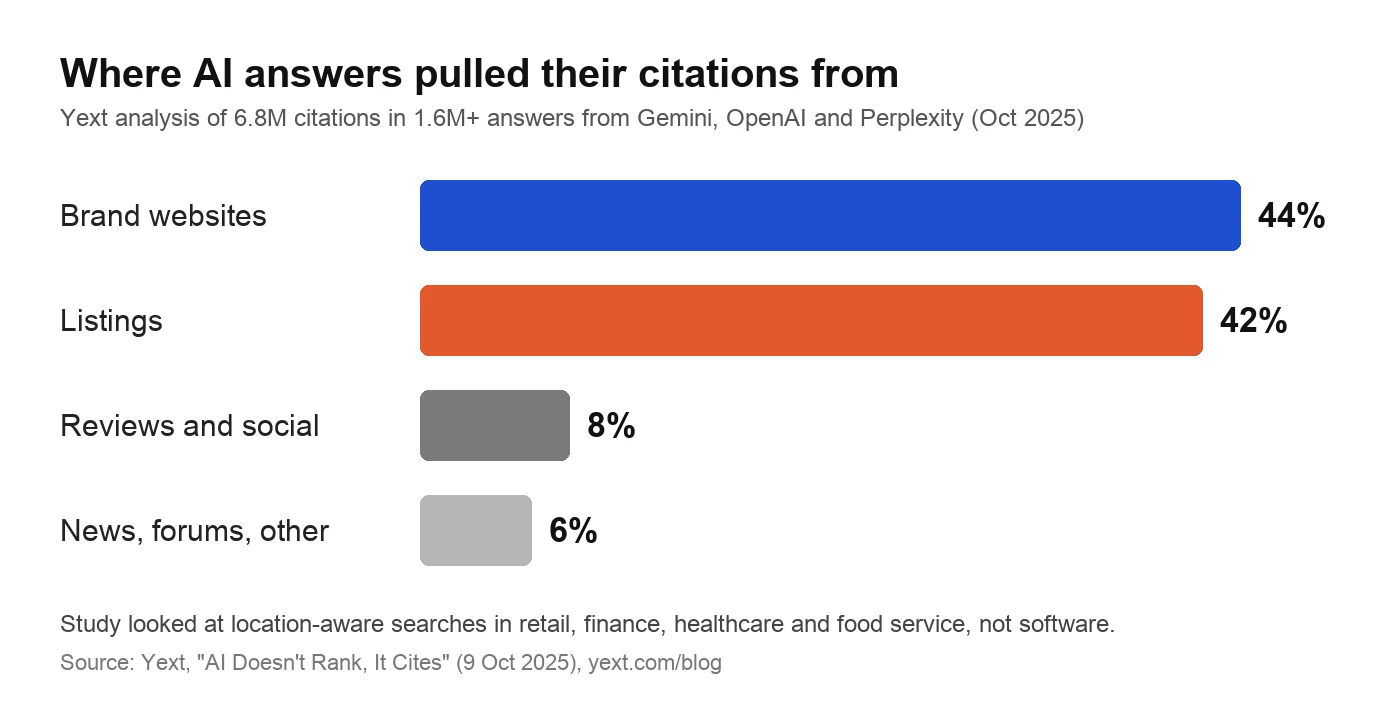
Yext analysed 6.8 million AI citations and found 44% came from brand websites and 42% from listings. OpenAI leaned hardest on third-party listings.
The study covered local searches, not software. So treat it as a sign of how engines use listings, not proof for directories.
Start with the big software listings
From the AgentLaunch catalog (DR is Ahrefs Domain Rating, visits are SimilarWeb estimates):
| Site | DR | Monthly visits |
|---|---|---|
| Product Hunt | 91 | 3.7M |
| G2 | 91 | 2.2M |
| Crunchbase | 91 | 3.2M |
| AlternativeTo | 80 | 2.1M |
| SaaSHub | 81 | 407K |
| There's An AI For That | 77 | 5.1M |
All are free to list except There's An AI For That, which is paid.
For AI answers, the text matters more than the link type. A nofollow G2 profile with your one-liner and a few reviews is still a page an engine can quote.
Our guide to getting your first software reviews covers how to ask for them.
Then cover your category
Add the directories for your niche. Our list of where to submit a vibe-coded app is ordered by what's worth your time.
You can also check which directories fit your app before you start. Use your Step 3 sentence in every listing and fill every field. A half-empty listing gives the engine less to quote.
If 40 forms by hand is what's stopping you, AgentLaunch runs from Claude Code, Codex or Cursor. It submits your app to 300+ hand-checked directories with copy for each, and stops for CAPTCHAs, payments and 2FA.
Earn mentions on other people's lists
Fan-out searches read the "best X for Y" articles that rank for your category. Email each author your one-liner and one reason your app fits. Our guide on how to get backlinks for a new website has the outreach steps.
Step 5: Publish comparison and "best X for Y" pages
Google says AI Mode helps most with complex comparisons. Give it a page that answers one directly:
- [Your app] vs [competitor]: a table of features, pricing model and who each suits. Say where the competitor is better, or it reads like an ad.
- [Competitor] alternatives: four to eight real options, including yours, with one line each.
- Best [category] for [audience]: pick a narrow audience you serve well, like freelancers or Shopify stores.
Microsoft says headings, tables and FAQs help surface key information. Add a "last updated" date to each page.
Step 6: Add FAQs and an llms.txt
Add buyer questions to key pages
Add five to eight questions to your homepage or pricing page, in buyers' words, like "Is [app] free?" Short answers are easy for an engine to lift.
llms.txt: cheap and optional
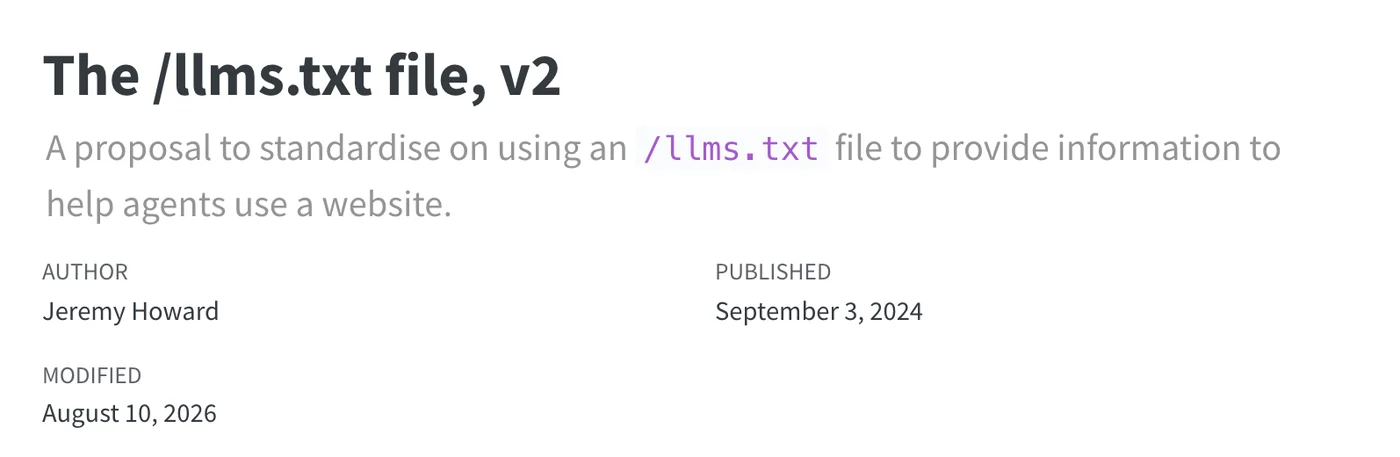
llms.txt is a proposal, not a standard. Jeremy Howard published it in September 2024 and updated it to v2 in August 2026. It suggests a markdown file at /llms.txt with your name, a one-line summary and links to clean pages.
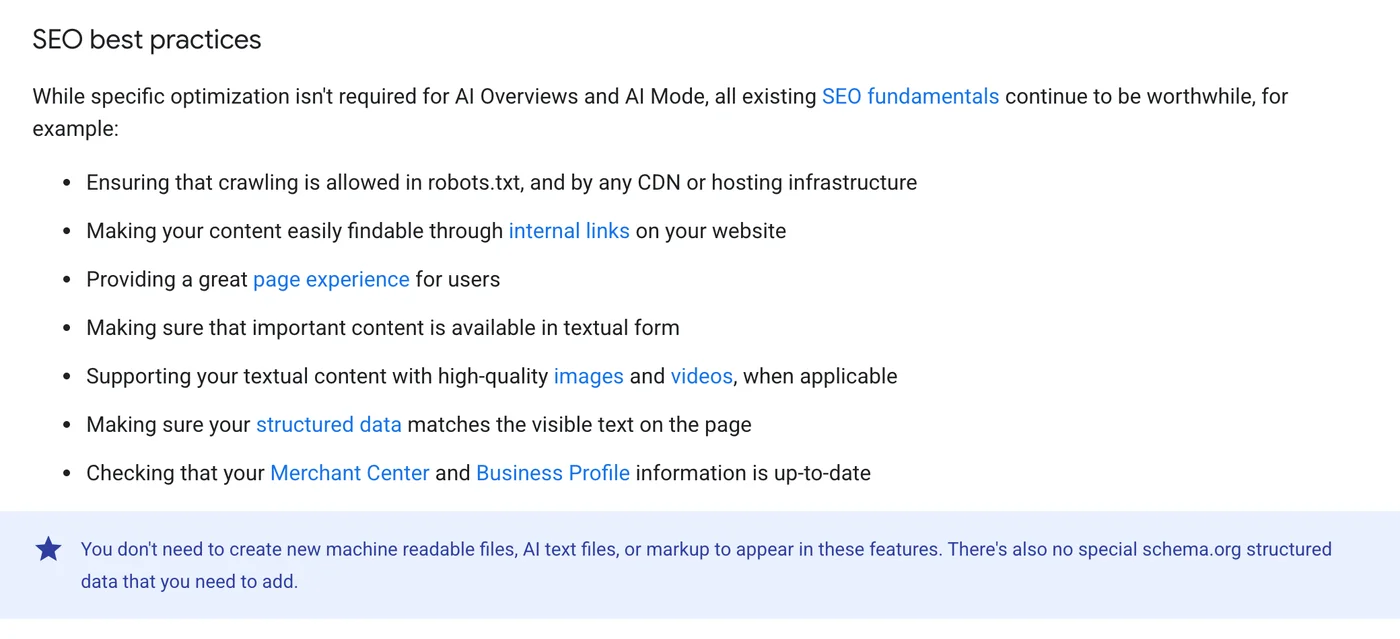
Don't expect much from it. Google says you don't need AI text files to appear in its AI features, and none of the engines' docs list llms.txt as a factor.
It takes 15 minutes and helps agents read your docs, so add one anyway. A minimal version:
# Acme

> Acme is an invoicing app for freelancers that sends payment reminders until clients pay. Free plan; paid plans for teams.

## Product
- [Pricing](https://acme.com/pricing.md): plans and limits
- [Acme vs Competitor](https://acme.com/vs/competitor.md): feature comparison
- [FAQ](https://acme.com/faq.md): common questions
Step 7: Test monthly and log what the engines say
You can't see inside the ranking, so measure the output. Write 20 buyer questions, five of each kind:
- Category: "best invoicing app for freelancers"
- Problem: "how do I get clients to pay on time"
- Comparison: "[your app] vs [competitor]"
- Alternatives: "[competitor] alternatives for [audience]"
Run them the same way every month
- ChatGPT: start a new chat and turn on Search from the tools menu, or type
/. Use a signed-out window or turn memory off, since saved memories can change the search. - Perplexity: the same questions, signed out.
- Google: an incognito search for each. AI Overviews often don't appear, so a missing one isn't a failure.
Log each answer
Note the date, engine, whether you were named and where, the pages cited and the competitors named. The cited pages matter most: they become your to-do list for Step 4.
Add the dashboards you can get
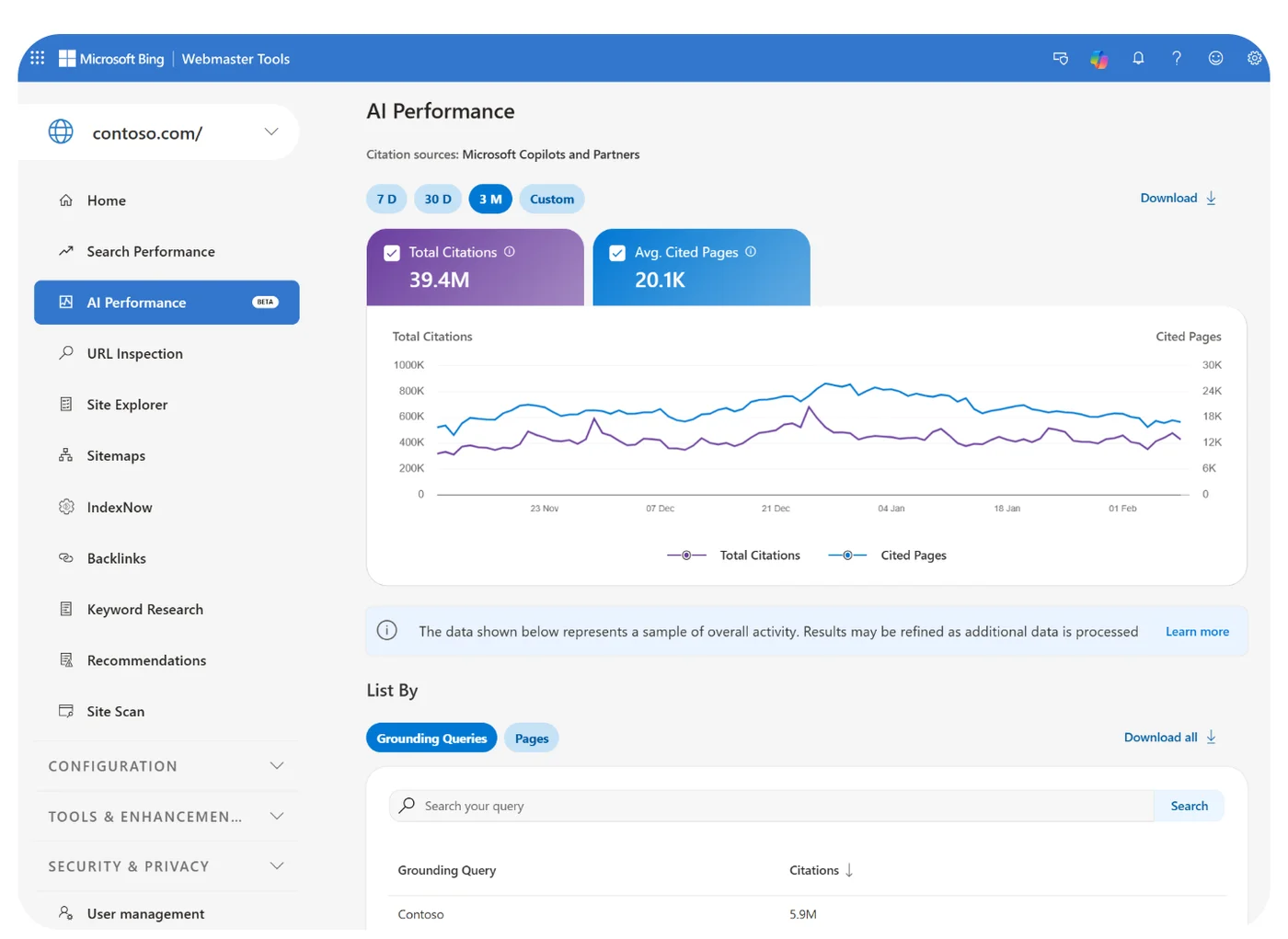
- Bing Webmaster Tools → AI Performance has been in public preview since February 2026. It shows citations, cited pages and the queries Copilot and Bing's AI used.
- Google Search Console counts AI Overviews and AI Mode inside the normal Web report. You can't split it out.
- Your analytics: watch for referrals from chatgpt.com and perplexity.ai.
Common mistakes
- Blocking the wrong bot. Blocking GPTBot doesn't remove you from ChatGPT search. Blocking OAI-SearchBot does.
- A firewall that undoes robots.txt. Bot protection can block crawlers you allowed.
- Five different descriptions. Update old taglines on early listings when your positioning changes.
- Treating llms.txt as the fix. Spend that time on listings and comparison pages.
- Testing once, signed in. One answer with memory on tells you very little.
What results to expect
- No guarantees. OpenAI and Google both say placement and indexing aren't guaranteed.
- Crawl access is fast. robots.txt changes apply within about 24 hours. Google recrawling can take days to months.
- Listings take longer. No engine says how long before a new listing shows up in answers, so your monthly log is the clock.
- Traffic starts small. SE Ranking calls AI referrals a tiny share of traffic, but those visitors arrive with a specific need.
Next, read our guide to using Claude Code for marketing, or the full plan in how to market a vibe-coded app.
FAQ
How do I get my product recommended by ChatGPT?
Allow OAI-SearchBot, get indexed in Google and Bing, and use one description on your site and every listing. Then test 20 buyer questions monthly and fix the gaps.
How do you rank in ChatGPT search?
You can't rank directly, because OpenAI doesn't publish its factors. You control crawler access and coverage: being named, the same way, on the pages its search partners return.
Does ChatGPT use Bing?
OpenAI says ChatGPT search works with other search providers and links to Microsoft's privacy statement. Getting indexed in Bing is a sensible step either way.
How do I get recommended by Perplexity?
Allow PerplexityBot in robots.txt and its IP ranges in your firewall. Then do the same listing, comparison and FAQ work.
Do I need an llms.txt file to get recommended by AI?
No. It's a proposal, and Google says no AI text files are needed. It's cheap and helps agents read your docs, but no engine treats it as a ranking factor.
Should I block GPTBot?
Only if you don't want your content used for training. GPTBot is separate from OAI-SearchBot, so blocking it keeps you in ChatGPT search.