Field notes
How to Submit an MCP Server to mcp.so: Free Review vs $39 Paid Submission
Submit an MCP server to mcp.so: pick the project type, enter the repo URL, and choose free (reviewed) or $39 (instant, verified, dofollow). What the listing links to, what we found on 12 live pages, and how to get found.
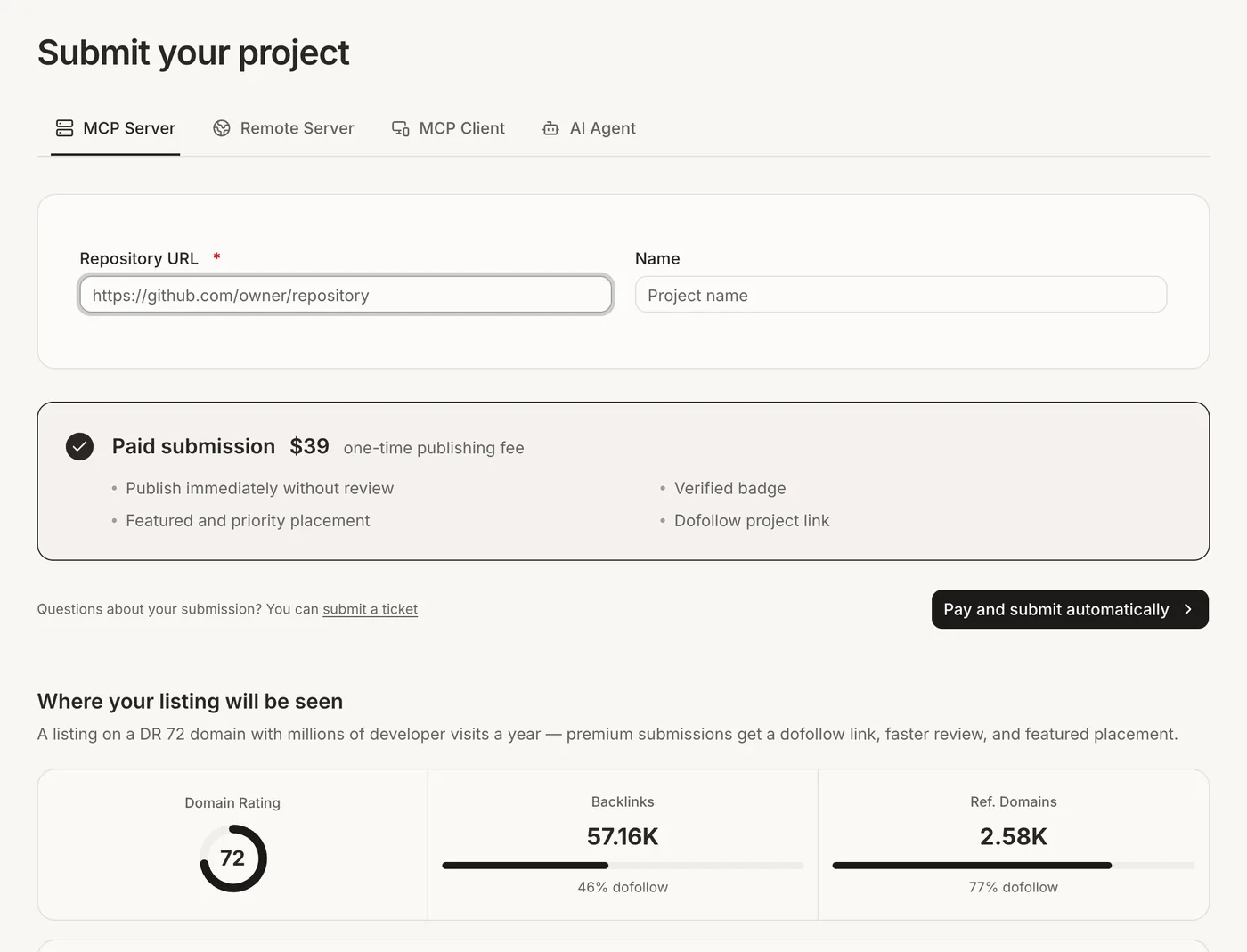
To submit an MCP server to mcp.so, open mcp.so/submit, choose the project type (MCP Server, Remote Server, MCP Client or AI Agent), and enter your repository URL and name. Standard submissions are free and go through review. A $39 one-time paid submission publishes immediately without review, and adds a verified badge, featured placement and a dofollow project link.
mcp.so reports 266K monthly active users and a 72 Domain Rating, which makes it one of the largest MCP directories. Here's the form, the free vs paid choice, and how to get noticed once you're listed. Checked in October 2026.
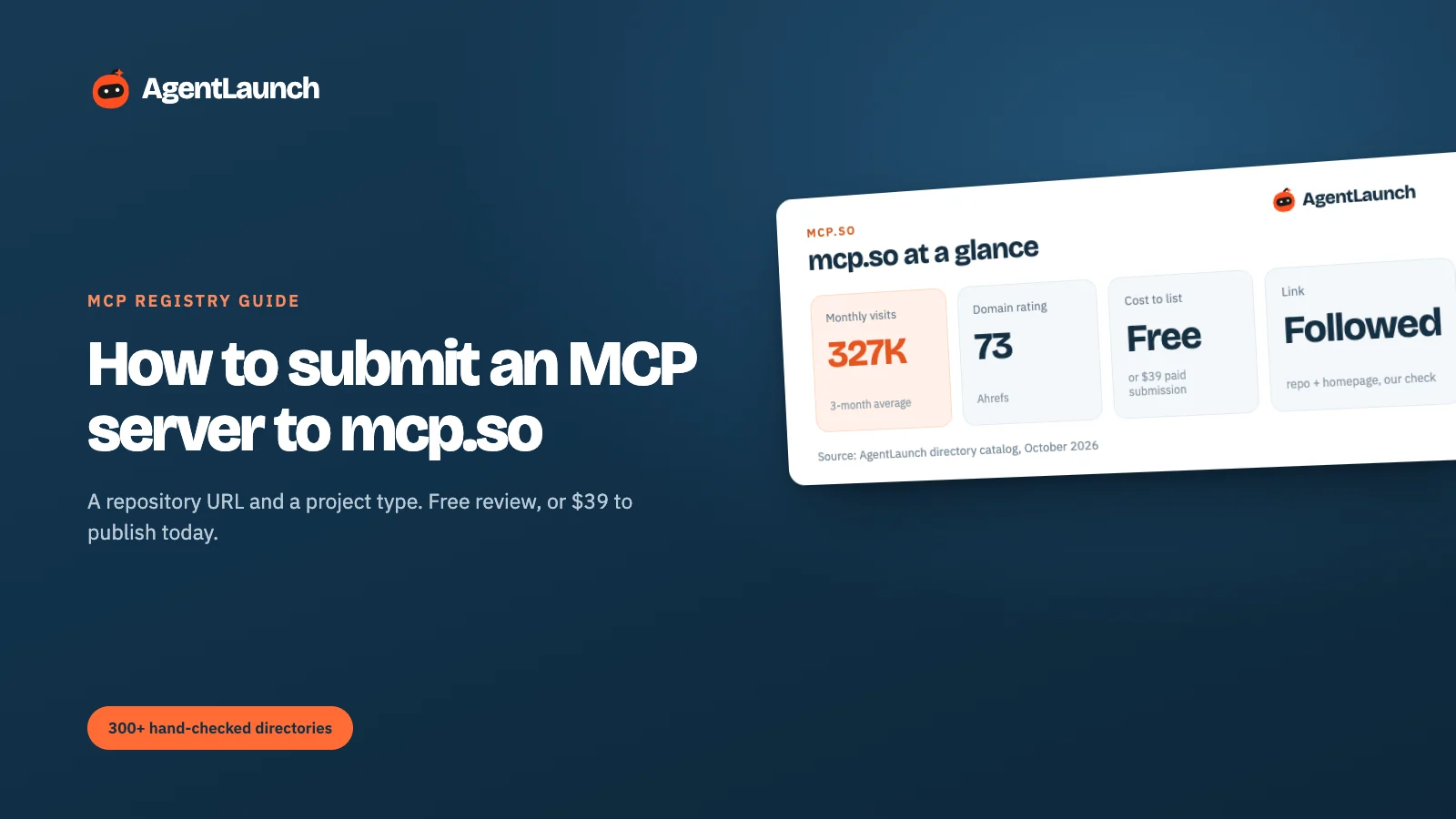
mcp.so at a glance
| mcp.so | |
|---|---|
| Submit | mcp.so/submit |
| Project types | MCP Server, Remote Server, MCP Client, AI Agent |
| Required | Repository URL (for example github.com/owner/repository). Name is optional; it's filled from the repo |
| Free option | Yes, reviewed before publishing |
| Paid submission | $39 one-time: no review wait, verified badge, featured and priority placement, dofollow link |
| Sponsor placements | Silver, Gold, Platinum (advertising, not listing fees) |
| Domain Rating | 72 (mcp.so's figure); 73 in our Ahrefs check |
| Audience | 266K monthly active users, 2.2M unique visitors over 12 months (mcp.so's figures); ~327K visits/month (3-month SimilarWeb average) |
| Sign-in | Required to submit |
| What we saw | Repo and homepage links followed on all 12 newest server pages (5 Oct 2026) |
| Backlink profile | 57.16K backlinks, 2.58K referring domains (mcp.so's figures) |
| Sections | Servers, Remote Servers, Clients, CLI, Loops, Skills, Agents, Feed, Rankings |
What mcp.so is
mcp.so is one of the biggest MCP directories, and it has grown past servers. Its navigation now covers Servers, Remote Servers, Clients, CLI tools, Loops, Skills, Agents and a Feed, plus rankings, categories, tags and use cases. Developers use it to find a server for a job ("Postgres", "Gmail", "browser") and copy the install config.
It publishes its own audience numbers on the submit page: 266K monthly active users, 2.2M unique visitors and 6M pageviews over 12 months, a Domain Rating of 72, and a backlink profile of 57.16K links from 2.58K referring domains. SimilarWeb's independent estimate of about 327K visits a month is in the same range, which is unusual: most directories' own numbers run far above independent ones.
How listings work on mcp.so
Built from your repository
You give mcp.so a repository URL, and it builds the listing from the repo: name, description, README, tools and config. Every server page links back to the repository and to a homepage if your repo has one set.
Review
Free submissions are reviewed before they're published. mcp.so doesn't publish a review time. Paid submissions skip review.
Rankings and sections
Servers appear in their section (local servers and remote servers are listed separately), in categories and tags, and in Rankings. Clients and agents have their own sections, so pick the right project type.
Step 1: pick the project type
- MCP Server: runs locally (stdio). The most common type.
- Remote Server: hosted, reachable over HTTP. Listed in its own "Remote Servers" section.
- MCP Client: an app that connects to MCP servers.
- AI Agent: agents built on MCP.
Choose carefully. mcp.so's navigation splits Servers, Remote Servers, Clients and Agents, and users browse each one separately.
Step 2: enter the repository URL
The Repository URL is the only required field. mcp.so reads your repo to build the listing, so your README is your listing. Before submitting, make sure it has:
- A one-line description at the top: what the server connects to and what agents can do with it
- Install and configuration snippets for the main clients (Claude Desktop, Cursor and others)
- A list of tools with one line each
- A license
Step 3: free or $39?
| Free | Paid ($39 one-time) | |
|---|---|---|
| Review | Reviewed before publishing | Published immediately |
| Badge | – | Verified |
| Placement | Standard listing | Featured and priority placement |
| Project link | Not promised dofollow | Dofollow |
If your server is open source and you're in no hurry, free is fine. Pay the $39 if you want the listing live today, a followed link from a 72-DR site, or featured placement for a launch. mcp.so says premium listings sit on "a DR 72 domain with millions of developer visits a year".
The Silver, Gold and Platinum sponsor tiers are advertising, separate from listing.
Is the mcp.so link dofollow?
mcp.so lists "Dofollow project link" as a perk of the $39 paid submission, which implies free listings may not get one. What we saw was more generous: on the 12 newest server pages we opened on 5 October 2026, the repository and homepage links were all served with rel="noopener noreferrer", no nofollow.
Two things follow from that:
- Set a homepage on your GitHub repo. mcp.so links to it. Without one, your only link goes to GitHub.
- Don't pay only for the link unless you need to be sure of it. Free listings were followed when we checked, but only the paid one is promised.
Get found once you're listed
- Tags and categories: mcp.so browses by category and tag, so make sure the review assigns the right ones (or request a change).
- Rankings: mcp.so ranks servers. Stars and usage help, so link your mcp.so page from your README.
- Update the listing when you ship: new tools or remote support are worth a re-check of your listing text.
Pros and cons
Pros
- A large developer audience, and audience numbers that roughly match independent data.
- Free submission, with a $39 option to skip review.
- Listings link to your repo and homepage; both were followed in our check.
- Separate sections for servers, remote servers, clients and agents.
Cons
- Free review time isn't published.
- Your README is your listing, so a weak README means a weak page.
- The followed link is only promised on the paid tier.
- Busy with sponsor placements.
Common mistakes on mcp.so
- Choosing the wrong project type. A remote server submitted as a local one won't show in Remote Servers.
- No homepage on the GitHub repo. Your page then only links to GitHub.
- No install snippets in the README. Developers copy config from your page. Give them Claude Desktop and Cursor examples.
- Submitting twice. Search first. Your server may already be listed.
mcp.so vs other MCP registries
| Registry | Cost | How you list | Review | Links to you | Audience |
|---|---|---|---|---|---|
| mcp.so | Free or $39 | Repository URL | Free: reviewed. Paid: instant | Followed in our check | ~327K visits/month |
| Smithery | Free | Publish URL or bundle | Automatic scan | Repo and homepage followed | ~341K visits/month |
| Glama | Free, paid boost | Auto-indexed; claim it | Builds and grades it | ugc nofollow |
~214K visits/month |
List on the other registries too
Developers search more than one registry:
- Smithery: publish by URL or MCPB bundle, with a scanner that needs Streamable HTTP
- Glama: auto-indexes GitHub MCP servers, so claim yours
- Where to submit your AI tool for broader AI directories
AgentLaunch's catalog tracks MCP registries alongside launch platforms, including which ones give a followed link.
Browsing mcp.so
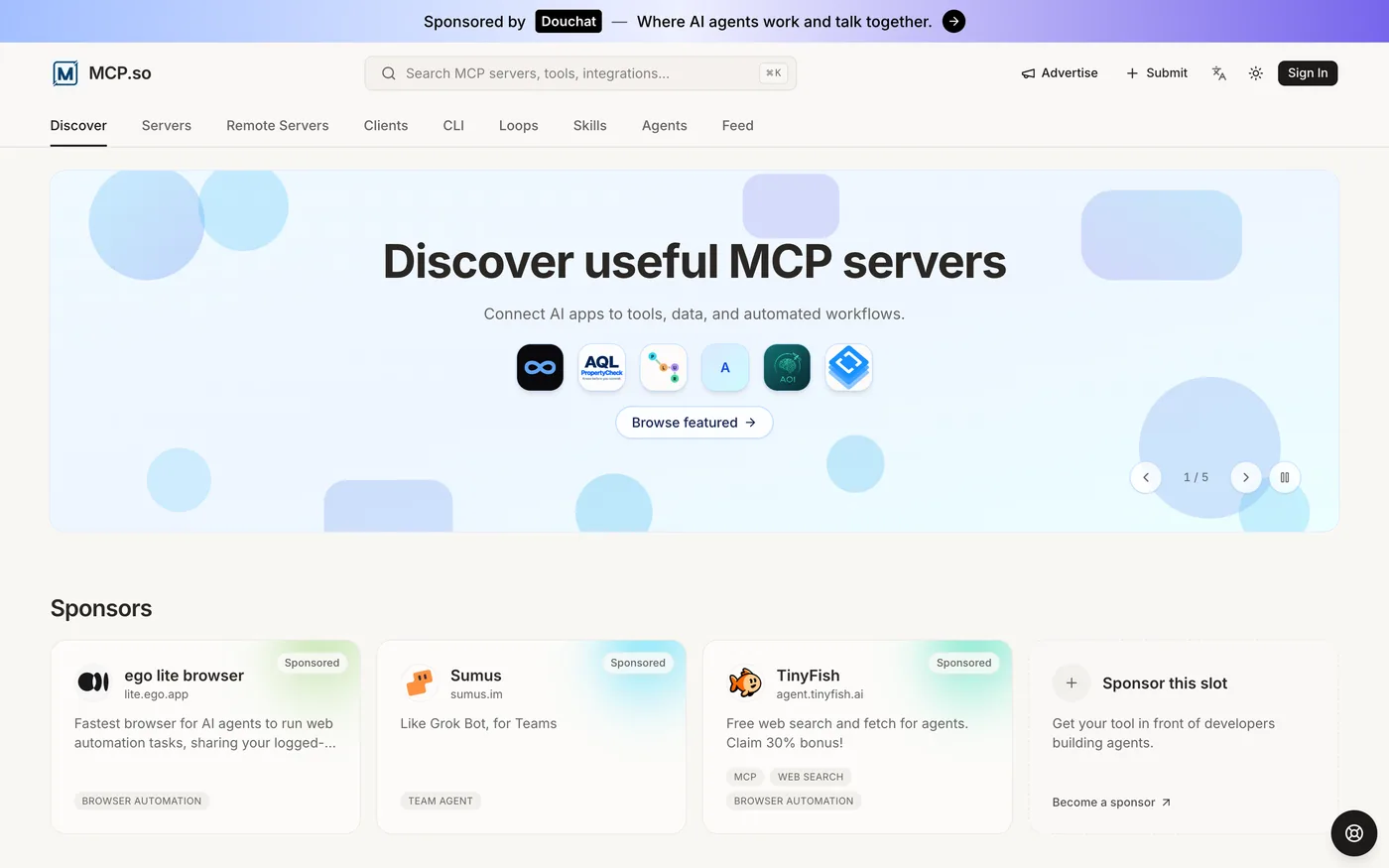
Most mcp.so traffic browses by section, category and ranking, so where you're filed matters as much as what you write. Choose the right project type, and check your listing's category after review.
README checklist for mcp.so
Because the listing is built from your repository, run through this before submitting:
- First line: what it connects to and what agents can do ("Read and update Linear issues from any MCP client")
- Install snippets for the main clients
- Tool list with one-line descriptions
- Required environment variables and how to get API keys
- Remote endpoint URL (if a Remote Server)
- License file
- A screenshot or GIF of the server working in a client
FAQ
Is mcp.so free? Yes. Standard submissions are free and reviewed. A paid submission is $39 one-time.
What does the $39 mcp.so submission include? Immediate publishing without review, a verified badge, featured and priority placement, and a dofollow project link.
What do I need to submit to mcp.so? A repository URL. The name is optional.
Can I submit an MCP client or AI agent to mcp.so? Yes. Choose MCP Client or AI Agent as the project type.
How long does mcp.so take to review a free submission? mcp.so doesn't say. The $39 paid submission publishes immediately.
Does mcp.so link to my website? Yes, if your repository has a homepage set. On the pages we checked, both the repo and homepage links were followed.