Field notes
How to Publish an MCP Server on Smithery: URL vs Bundle, Scanning and Verification
Publish an MCP server on Smithery: sign in, publish a URL or MCPB bundle, pass the scan (or use a static server card), and get verified. Includes the CLI, the server card format and what the listing links to.
To publish an MCP server on Smithery, go to smithery.ai/new, sign in (email, Google or GitHub), and either enter your server's public HTTPS URL or upload a local MCPB bundle. URL publishing needs the Streamable HTTP transport, plus OAuth if your server requires auth. Smithery then scans the server to pull its tools, prompts and resources onto your server page. Publishing is free.
The scan is where most submissions fail: a server behind Cloudflare bot protection, or one that returns 403 instead of 401, rejects Smithery's scanner. Here's the whole flow and the fixes. Checked against Smithery's docs in October 2026 (Smithery is now part of Arcade.dev).
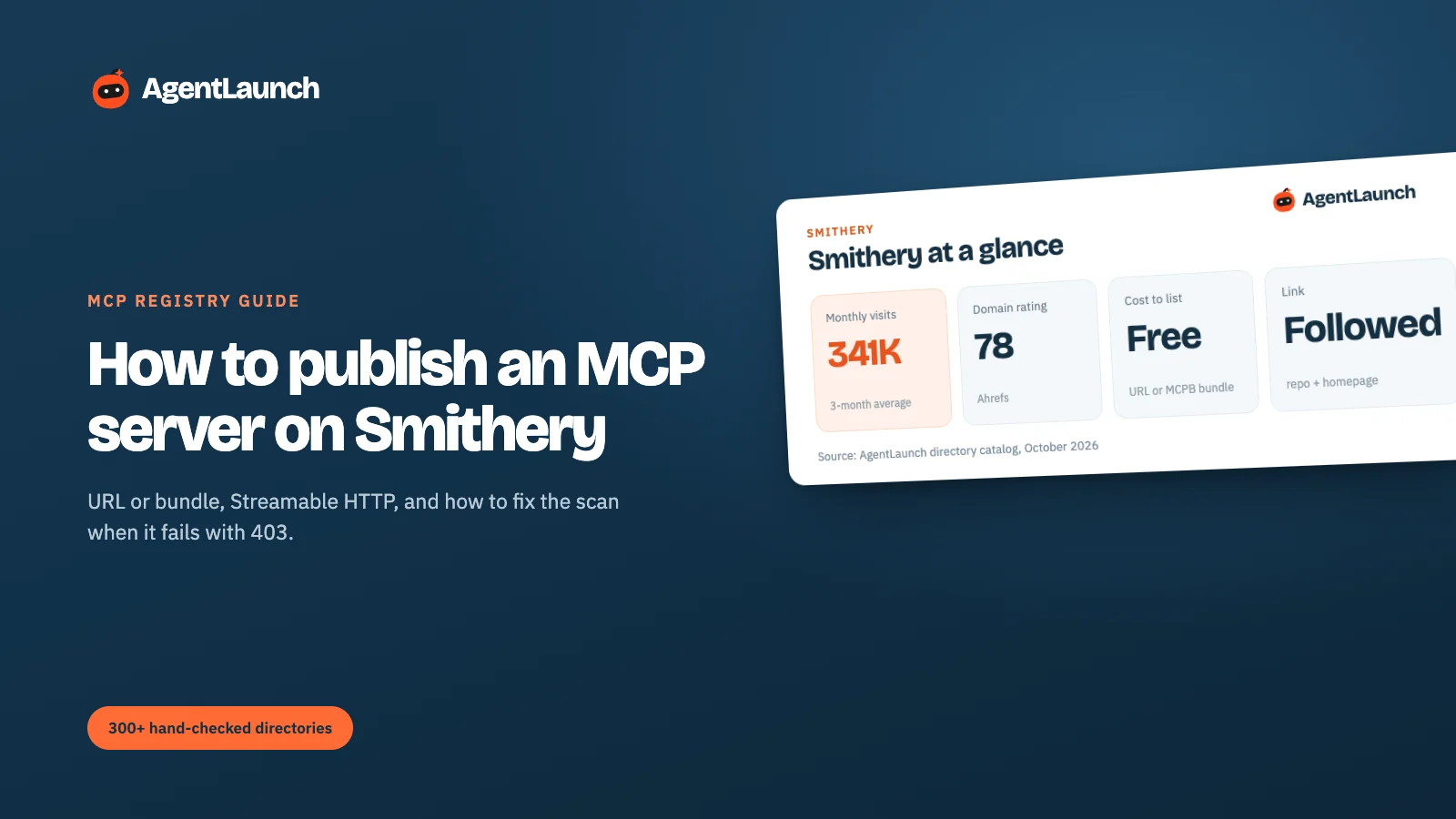
Smithery at a glance
| Smithery | |
|---|---|
| Publish | smithery.ai/new |
| Cost | Free |
| Sign-in | Email, Google or GitHub (workspace account) |
| Two ways to publish | URL (you host it; Smithery Gateway proxies to it) or Local (MCPB bundle) |
| URL requirements | Public HTTPS, Streamable HTTP transport, OAuth if auth is needed |
| Scanner | SmitheryBot/1.0 user agent, requests from Cloudflare Workers |
| Skip the scan | Serve a static server card at /.well-known/mcp/server-card.json |
| Verification | Settings → Verification after publishing (official-vendor checklist) |
| Domain Rating | 78 (our Ahrefs check) |
| Traffic | ~341,000 visits/month (3-month SimilarWeb average) |
| Ownership | Part of Arcade.dev since 2026 (Smithery announcement) |
| Links on your page | Repository and Homepage, both followed (rel="noopener noreferrer") in our check |
| CLI | smithery mcp publish <url or .mcpb> -n your-org/your-server |
What Smithery is
Smithery is a registry and gateway for MCP servers. Developers browse it to find servers for their agents, add them to a "toolbox", and connect through Smithery's gateway, which handles configuration and OAuth so the client doesn't have to. In 2026 Smithery became part of Arcade.dev, an agent tooling company.
For a server author that means two things. Your server page is where people discover and evaluate you, and Smithery's gateway is how many of them will connect. A good page and a clean scan matter more than on a plain listing site, because a failed scan means no tools shown and no one-click install.
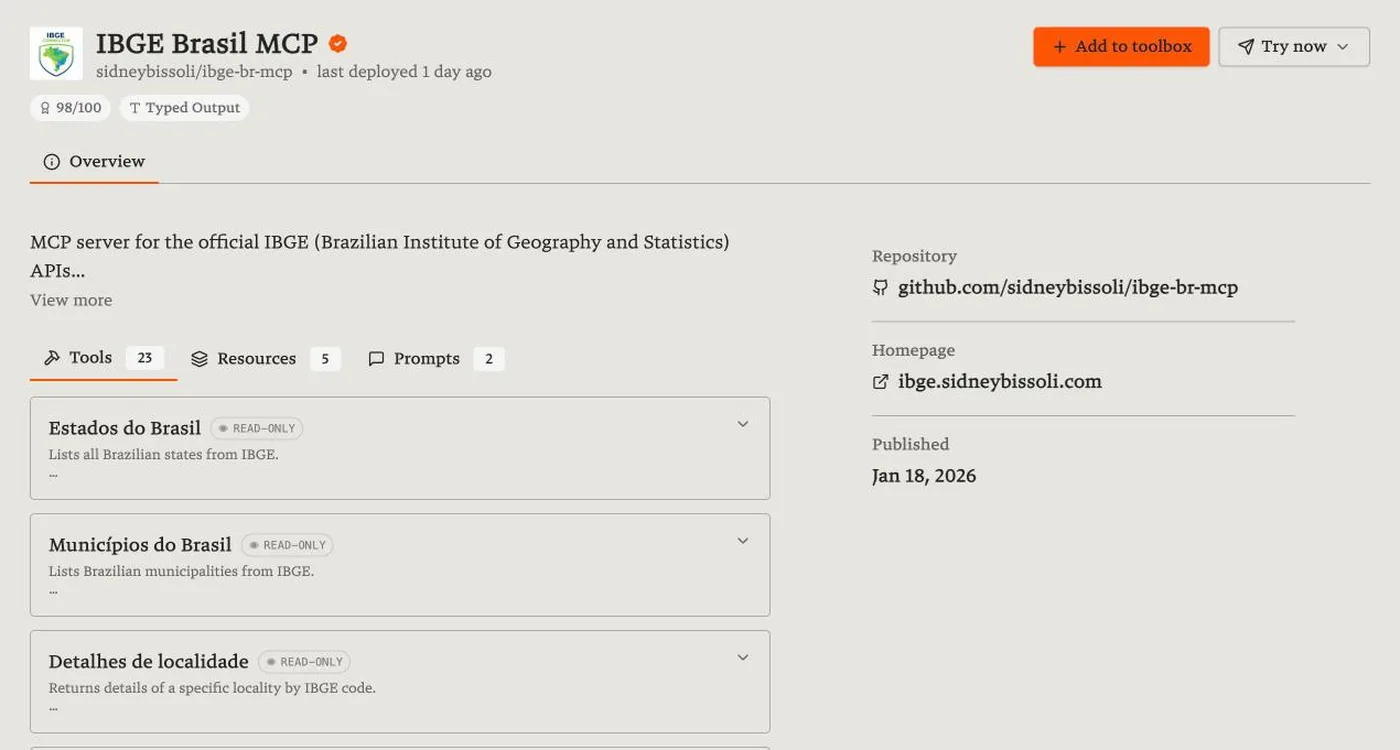
Each server page shows the name with a verified badge if earned, the namespace, when it was last deployed, a quality score (for example "98/100"), tags like "Typed Output", tabs for Tools, Resources and Prompts, and links to the repository and homepage.
Step 1: sign in to a workspace
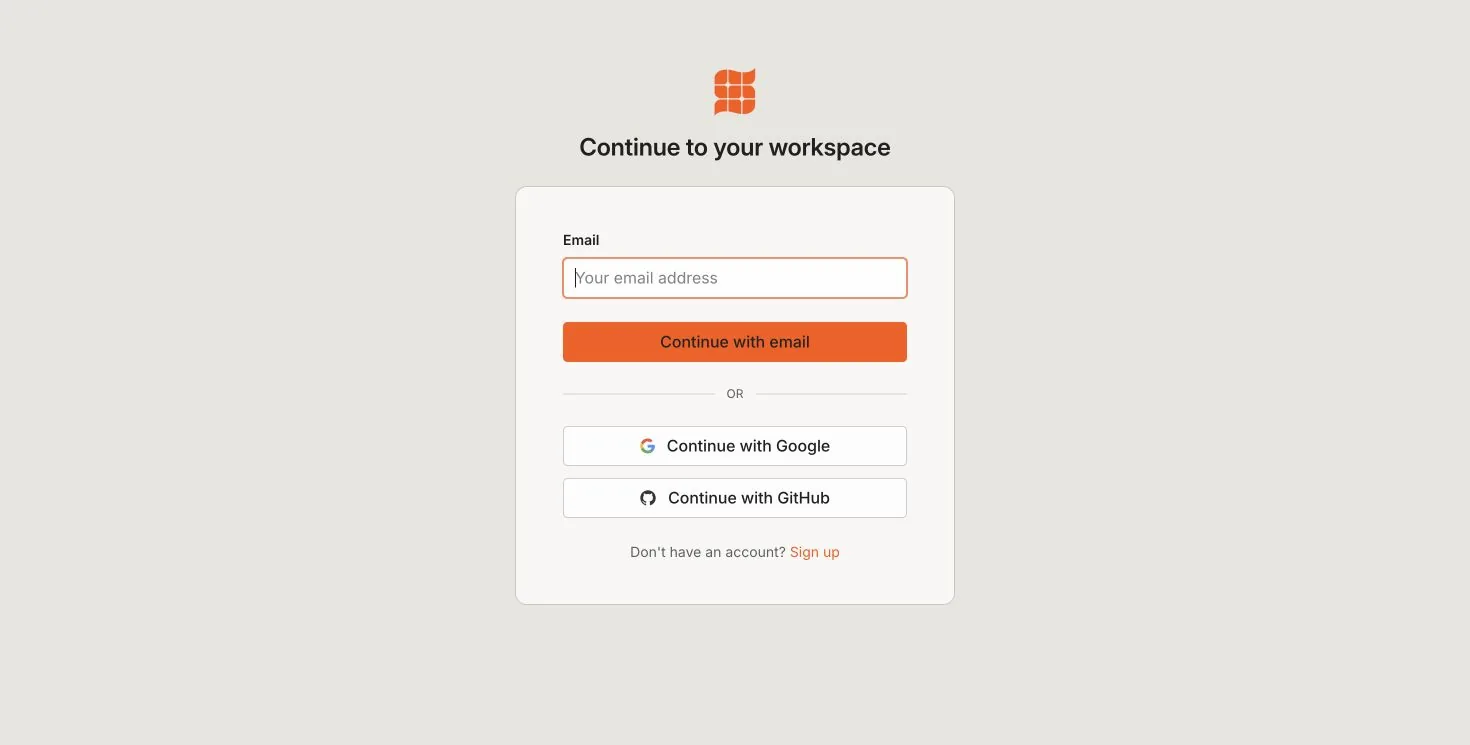
Use the account (or organisation namespace) you want the server published under. The namespace appears in the server's URL and install commands.
Step 2: choose URL or bundle
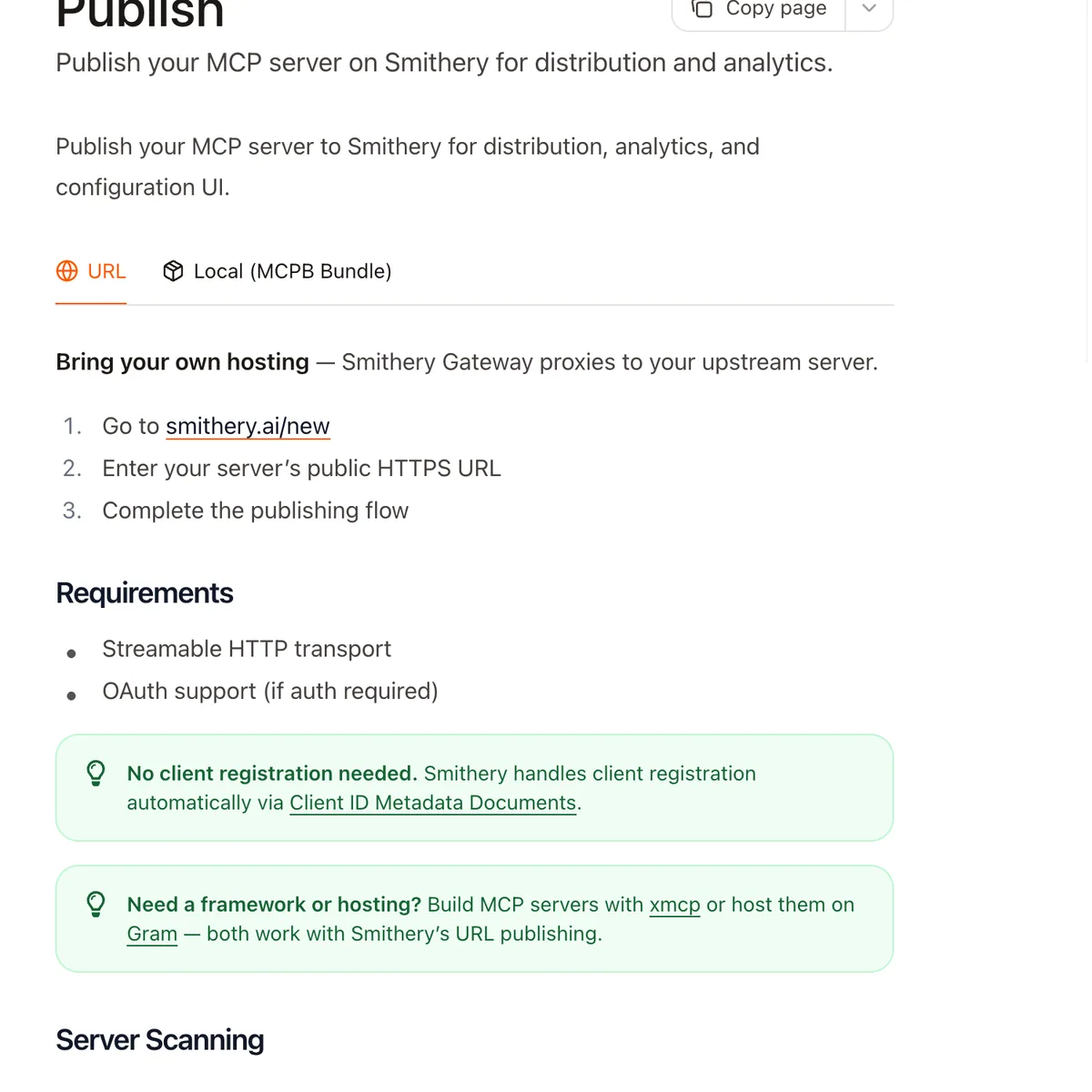
URL (bring your own hosting). Your server runs wherever you like. Smithery's gateway proxies requests to it. Requirements:
- A public HTTPS URL
- Streamable HTTP transport (not stdio)
- OAuth if your server needs auth. Smithery handles client registration automatically via Client ID Metadata Documents, so you don't have to pre-register it.
If you need hosting or a framework, Smithery's docs point to xmcp (framework) and Gram (hosting), and both work with URL publishing.
Local (MCPB bundle). For servers that run on the user's machine. Package the server as an MCPB bundle and upload it.
Step 3: let Smithery scan, and fix the scan if it fails
After you submit, Smithery scans the server to extract its tools, prompts and resources for your server page. Public servers scan automatically. Auth-required servers prompt you to authenticate so the scan can finish.
If you see "Initialization failed with status 403", your server rejected the scan. The usual causes, from Smithery's troubleshooting docs:
| Cause | Fix |
|---|---|
| WAF or bot protection (for example Cloudflare Bot Fight Mode) blocks automated requests | Allow SmitheryBot/1.0 (+https://smithery.ai). Requests come from Cloudflare Workers, which some WAF rules block by default |
| Server returns 403 for unauthenticated requests | Return 401, not 403. Smithery uses the 401 to detect OAuth support (RFC 9728) |
| IP allowlists | Include Smithery's range, or skip the scan (below) |
Skip the scan entirely: serve a static server card at /.well-known/mcp/server-card.json describing your server's metadata. Smithery reads that instead of probing the server.
What a static server card looks like
Smithery's docs give this shape for /.well-known/mcp/server-card.json. Only serverInfo is required; the rest follows the MCP SDK types:
{
  "serverInfo": { "name": "Your Server Name", "version": "1.0.0" },
  "authentication": { "required": true, "schemes": ["oauth2"] },
  "tools": [
    {
      "name": "search",
      "description": "Search for information",
      "inputSchema": {
        "type": "object",
        "properties": { "query": { "type": "string" } },
        "required": ["query"]
      }
    }
  ],
  "resources": [],
  "prompts": []
}
Serve it as static JSON from your server's domain. It's also a good fallback for servers that need configuration (API keys) before they'll answer a scan.
Publishing from the CLI
If you'd rather script it, the Smithery CLI publishes a URL server or a bundle:
smithery mcp publish "https://your-server.com/mcp" -n @your-org/your-server
smithery mcp publish ./server.mcpb -n your-org/your-server
For a URL server that needs settings (an API key, say), pass a JSON Schema with --config-schema so Smithery can show a configuration form to users.
Step 4: get verified
Once your server is published, open its Settings → Verification page and complete the automatic official-vendor verification checklist. A verified badge matters on Smithery because many servers wrap the same APIs. Users choose the official one when they can tell which it is.
Is a Smithery listing worth it for SEO?
Mostly for discovery, but the links are real. On the server pages we checked, both the Repository and Homepage links were followed (rel="noopener noreferrer"), from a DR 78 domain with about 341,000 visits a month. Fill in the homepage field with your product site, not just the repo, or the link goes to GitHub instead of you.
The bigger value is usage. Smithery shows tool calls on server pages, and servers that get used rise in its listings. A clean scan, a verified badge and good tool descriptions are what turn a visit into an install.
Pros and cons
Pros
- Free, with a large MCP-specific audience.
- Gateway handles OAuth and configuration for users.
- Followed links to your repository and homepage.
- Verified badges separate official servers from wrappers.
Cons
- The scanner is blocked by common WAF setups until you allowlist it.
- URL publishing needs Streamable HTTP; stdio-only servers need a bundle.
- Many near-duplicate servers for popular APIs, so you have to stand out.
Common mistakes on Smithery
- Returning 403 to unauthenticated requests. Return 401 so Smithery can detect OAuth.
- Leaving Cloudflare Bot Fight Mode on. It blocks
SmitheryBot. Allowlist it or use a server card. - No homepage link. Your page then links only to GitHub.
- Tool names without descriptions. Agents and users both rely on descriptions to choose tools.
- Skipping verification. If you're the official vendor, the badge is how users tell.
Smithery vs other MCP registries
| Registry | Cost | How you list | Scans your server | Links | Best for |
|---|---|---|---|---|---|
| Smithery | Free | Publish a URL or MCPB bundle | Yes | Repo and homepage followed | Hosted and local servers, with gateway |
| Glama | Free | Auto-indexed from GitHub; claim it | Yes, builds and tests it | README links ugc nofollow |
Open-source servers |
| mcp.so | Free or $39 | Submit form | No | See guide | Broad visibility |
Make the server page convert
- Name and description: say what it connects to and what the agent can do ("Read and update Linear issues"), not "MCP server for X".
- Tool descriptions: they're shown on your page and used by agents to choose tools. Clear, specific tool descriptions help users and models.
- README and examples: link the repo and show a prompt that uses the server.
Where else to list an MCP server
Smithery is one of three registries most developers check. List on all three:
- mcp.so: free submission, or $39 to skip review with a dofollow link
- Glama: auto-indexes GitHub servers, and you claim yours
- For AI tools generally: where to submit your AI tool and free AI directories
AgentLaunch includes MCP registries in its catalog alongside launch platforms, with the link type and listing route for each one.
Writing a server page that gets installs
Once the scan pulls your tools onto the page, polish the parts users read first:
- Display name: the product it connects to, plus what it does ("Linear: issues and projects").
- Description: two sentences on what an agent can do with it and who it's for.
- Tool descriptions: agents read these to decide when to call a tool, and humans read them to decide whether to install. "Create an issue in a Linear team with title, description and priority" is better than "create_issue".
- Configuration: document every required setting and where to get API keys.
FAQ
Is publishing to Smithery free? Yes.
What transport does Smithery need? For URL publishing, Streamable HTTP over public HTTPS. Use an MCPB bundle for local servers.
Why does Smithery's scan fail with 403?
Usually bot protection blocking SmitheryBot, or your server returning 403 instead of 401 for unauthenticated requests. Allowlist the bot, return 401, or publish a static server card.
How do I get a verified badge on Smithery? After publishing, open Settings → Verification on your server and complete the checklist.
Does Smithery link to my website? Yes, if you fill in the homepage field. In our check, repository and homepage links on server pages were followed.
Can I publish to Smithery from the command line?
Yes: smithery mcp publish with a URL or an .mcpb bundle and -n your-org/your-server.
Who owns Smithery? Smithery became part of Arcade.dev in 2026.